Configuration / device parameters
Leuze electronic BPS 8 62
TNT 35/7-24V
8.2 BPS Configuration Tool software
8.2.1 Installation of the BPS Configuration Tool software
Download the installation software to your PC:
www.leuze.com >Products >Measuring Sensors >Sensors for Positioning >Bar
Code Positioning Systems > BPS 8 > (Name of the BPS 8) > Tab Downloads
> Software/Driver> BPS-Config V Configuration Software… .
Unzip the compressed folder
Call up the installation file (…-Setup.exe)
Select the language for your installation and accept the license agreement.
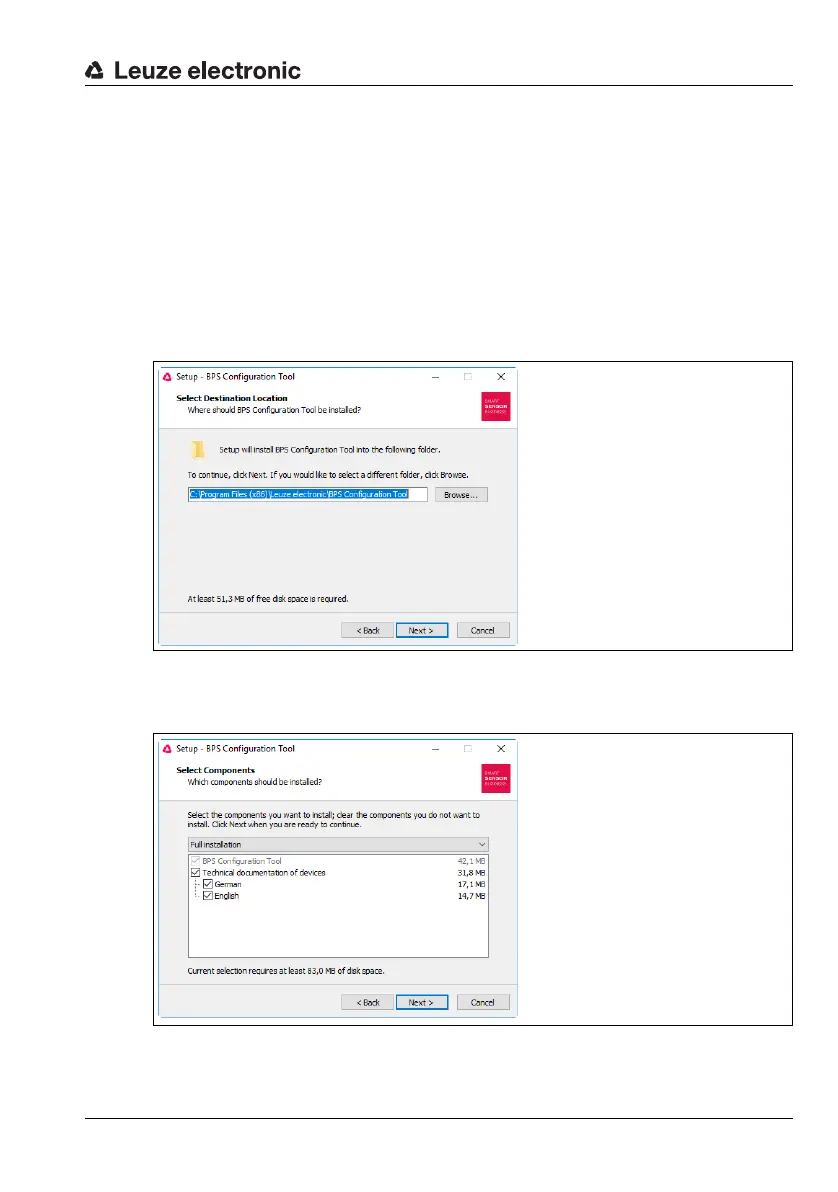
Figure 8.1: Installation directory selection
Select the target folder for the installation and the components to be installed in the sub-
sequent window.
Figure 8.2: Selection of the components to be installed



 To Next Page