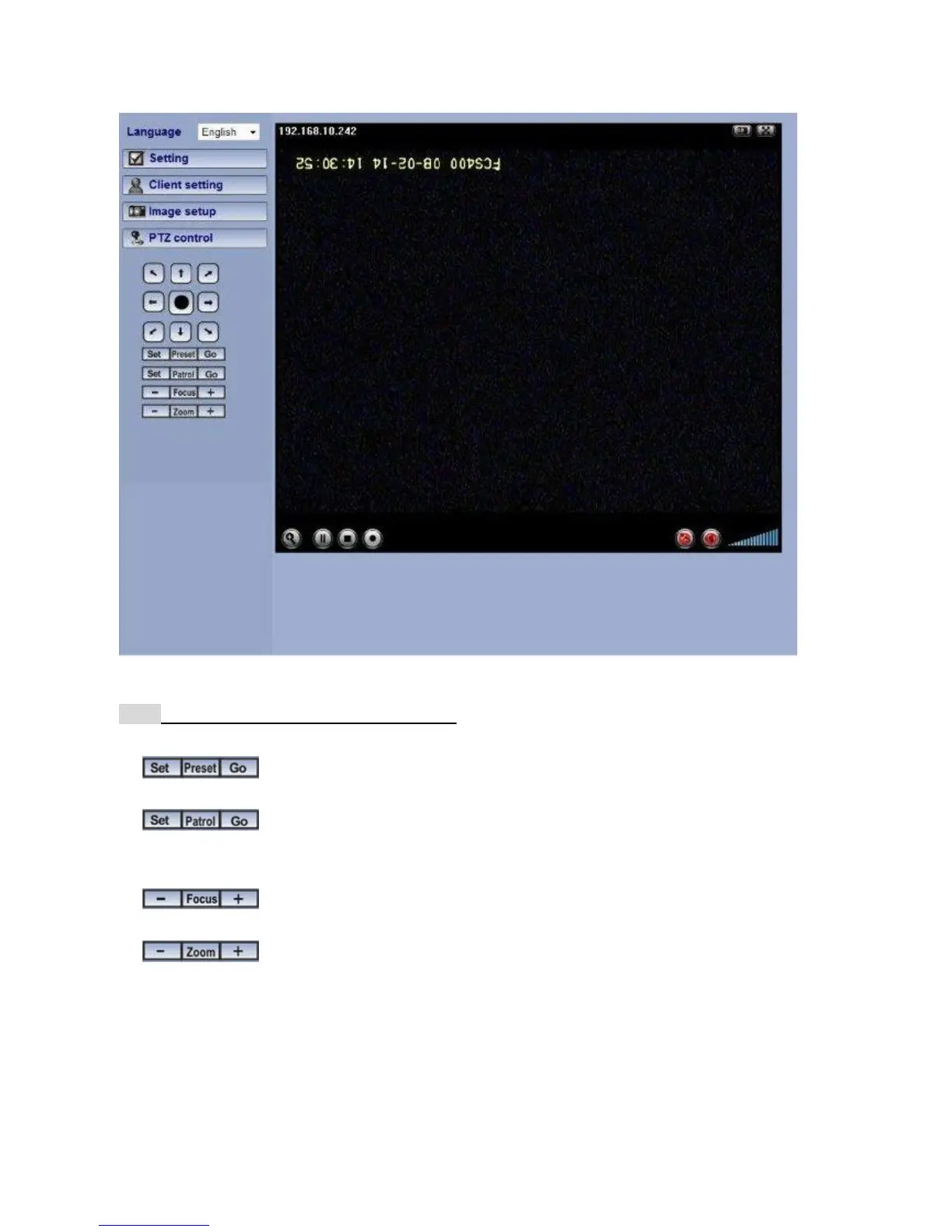
Pan / Tilt control
Click the arrow button of the direction you want the IP camera to move.
Note: This function is only for PTZ Cameras. You can also Pan/Tilt cameras by left-clicking the
main screen
Move the camera toward the preset direction.
Before you start this function, you need to specify Guard tour settings in the Setting
Menu under Advance / Patrol setting.
Adjust camera focus.
You can use the tool bar to optimize video brightness, contrast, and saturation. You can
also modify the Picture settings in the Setting Menu under Basic Setting.















 To Next Page