Tools
HTTP Upgrade
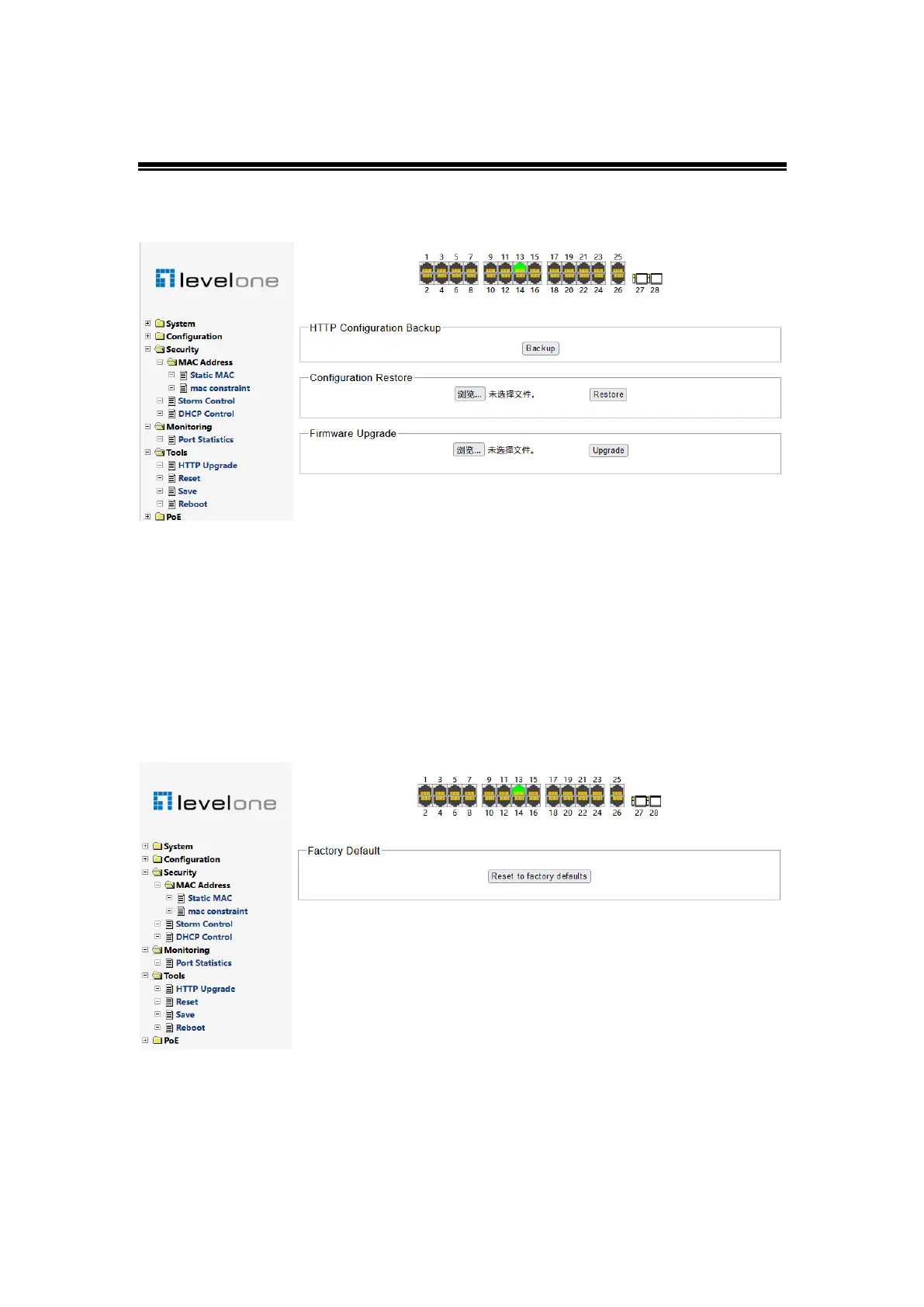
Figure 0-33
The firmware update page contains configuration export, import, and firmware upgrade
functions"
Export configuration
!
Export the configuration on this switch for configuration backup"
Import configuration
!
Import the backed up configuration into the switch for configuration
recovery"
Firmware update
!
Update switch system software"
Reset
Figure 0-34
Restore the switch to the factory default setting, click "restore factory value" and restart the
switch to take effect.
When the web management interface cannot be restored due to configuration errors and
other reasons, press and hold the reset key on the front panel of the switch until all
indicators flash, and then restore the factory settings"














 To Next Page