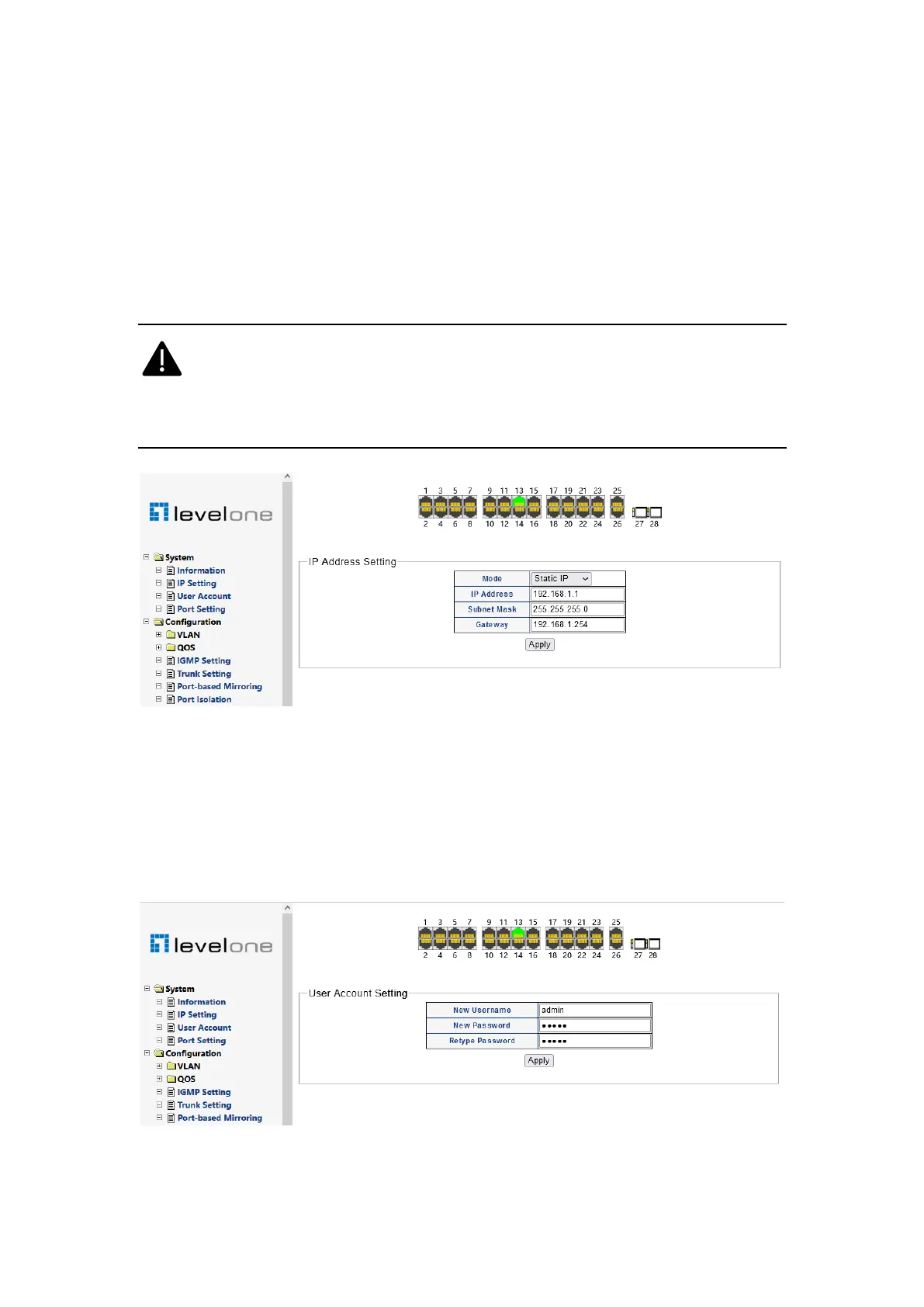
2. IP Setting
Displays and sets the management IP address of the switch"
When the IP mode is "static IP", you can manually configure IP address, subnet mask and
gateway information"
When the IP mode is "DHCP", the switch will automatically obtain IP information through
the DHCP server in the network"
When switching IP mode, you need to restart the switch before it takes effect#
After modifying the management IP and restarting it, you need to log in with the
new IP address and ensure that the network segment of the management
computer matches it"
Figure 0-2
3. User Account
The user setting page can modify the user name and password of the switch management
account. If a new user name is set on this page, the original user name will become invalid."
Figure 0-3














 To Next Page