24Fast /2 Gigabit Ethernet combo Web Smart Switch
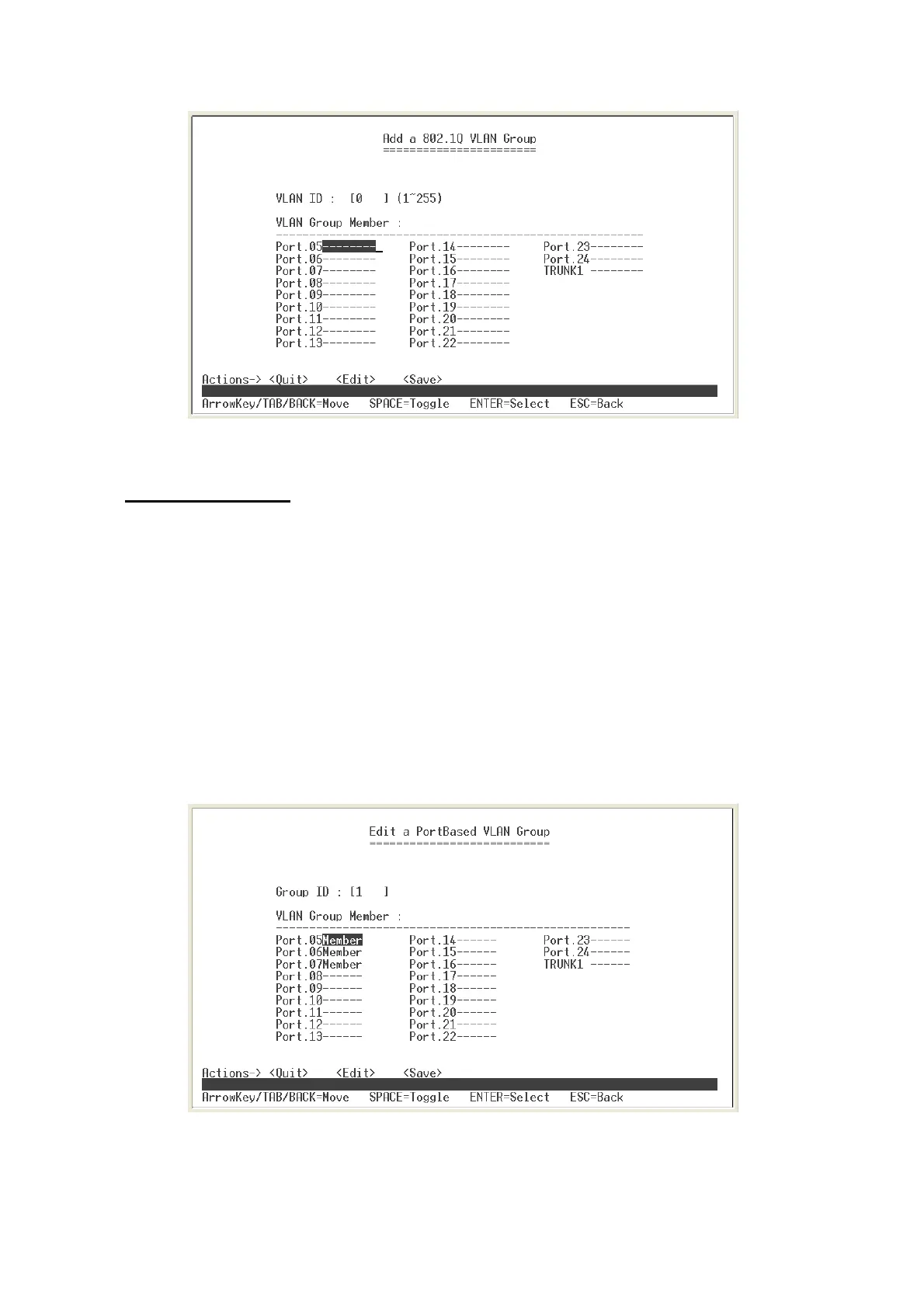
Add VLAN Group: 802.1Q interface
Edit VLAN Group
User can edit VLAN group. Edit VLAN group is same for PortBase and 802.1Q VLAN
modes.
1. Select
<Edit>
in VLAN Configuration interface.
2. Select the VLAN group that you want to edit, and then press enter.
3. Select
<Edit>
.
4. User can remove or add the member for this VLAN group.
5. Select
<Save>
action to save all configures value.
Edit PortBase VLAN Group interface
19















 To Next Page