24Fast /2 Gigabit Ethernet combo Web Smart Switch
Click the “VLAN
Group ID” to edit
VLAN group
Edit PortBase VLAN Group interface
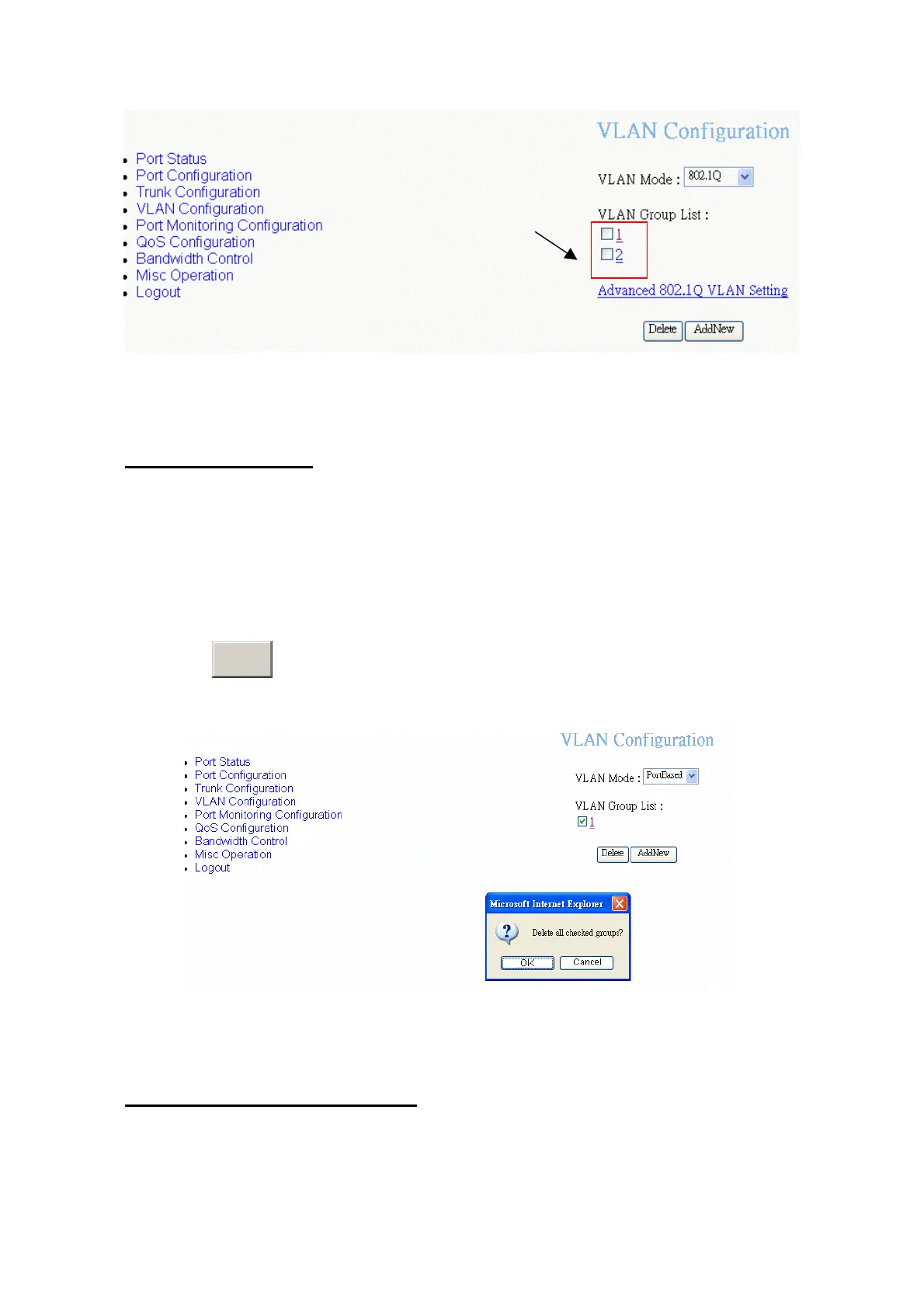
Delete VLAN Group
Delete unwanted VLAN group. Deletion steps are same for PortBase and 802.1Q
VLAN mode.
1. Select the VLAN group that want to delete it by checking the check box of VLAN
group ID.
2. Click
D
button.
elete
Delete VLAN group – PortBase
Advance 802.1Q VLAN Setting
Configure 802.1Q VLAN ingress filter.
38















 To Next Page