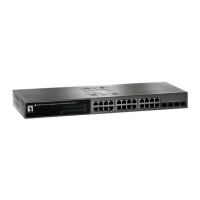
24Fast /2 Gigabit Ethernet combo Web Smart Switch
System Reboot
Reboot the switch in software reset. Click the “
Reboot System
”. Then, Click
OK
button to reboot the system.
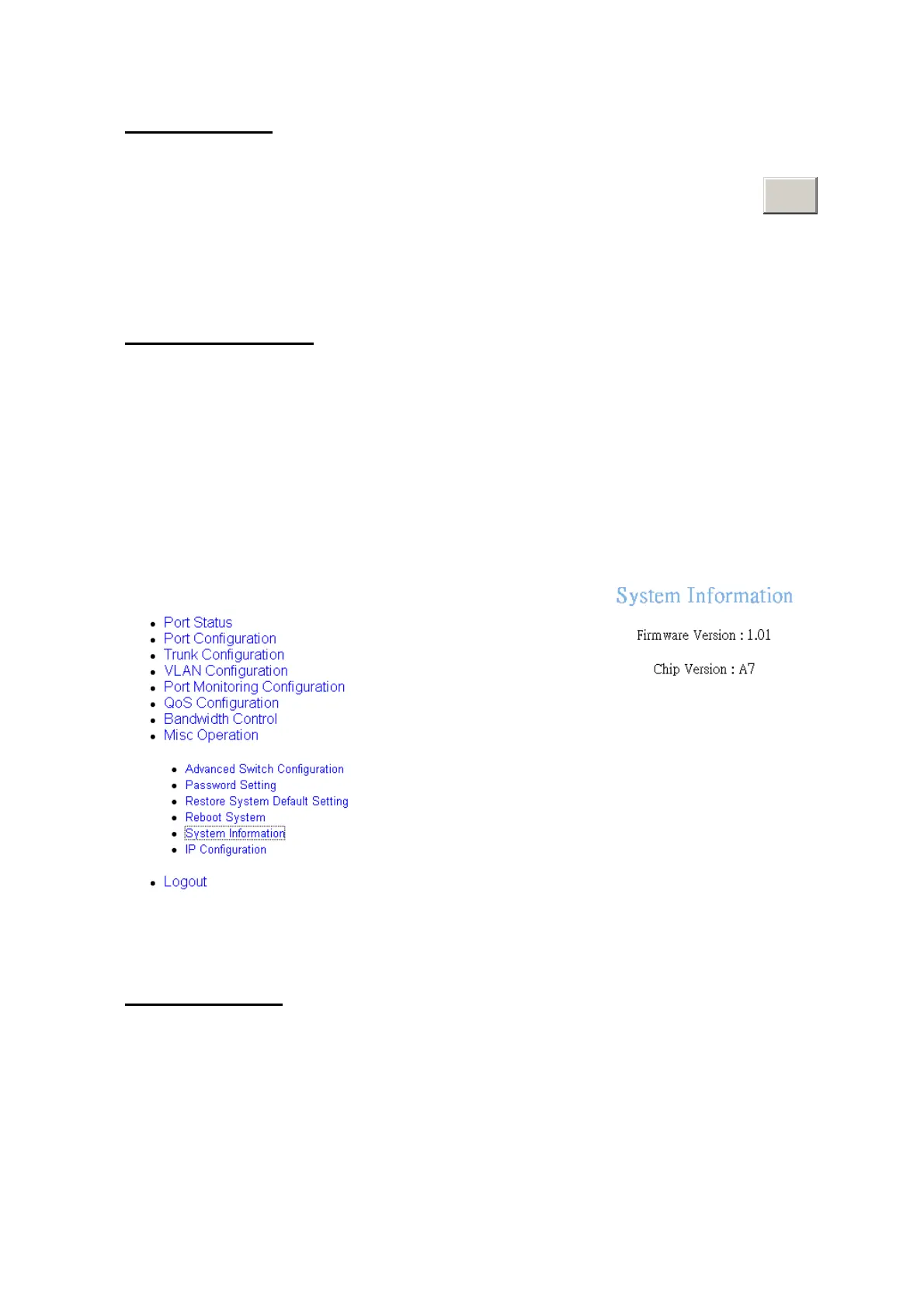
System Information
It displays the system parameter.
Firmware Version:
the switch’s firmware version. The firmware version may vary
by new version releasing. You can check with your dealer for firmware version
updating.
Chip Version:
the switch’s Hardware chipset version.
System Information interface
IP Configuration
User can configure the IP setting for this switch. The system has the default IP setting.
You can re-configure IP address that it must in the same IP segment of your network.
1.
IP Address:
assign the switch IP address. The default IP is 192.168.16.1.
2.
Subnet Mask:
assign the switch IP subnet mask.
46











 To Next Page