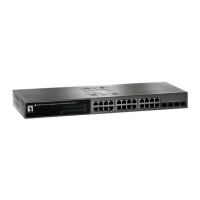
24Fast /2 Gigabit Ethernet combo Web Smart Switch
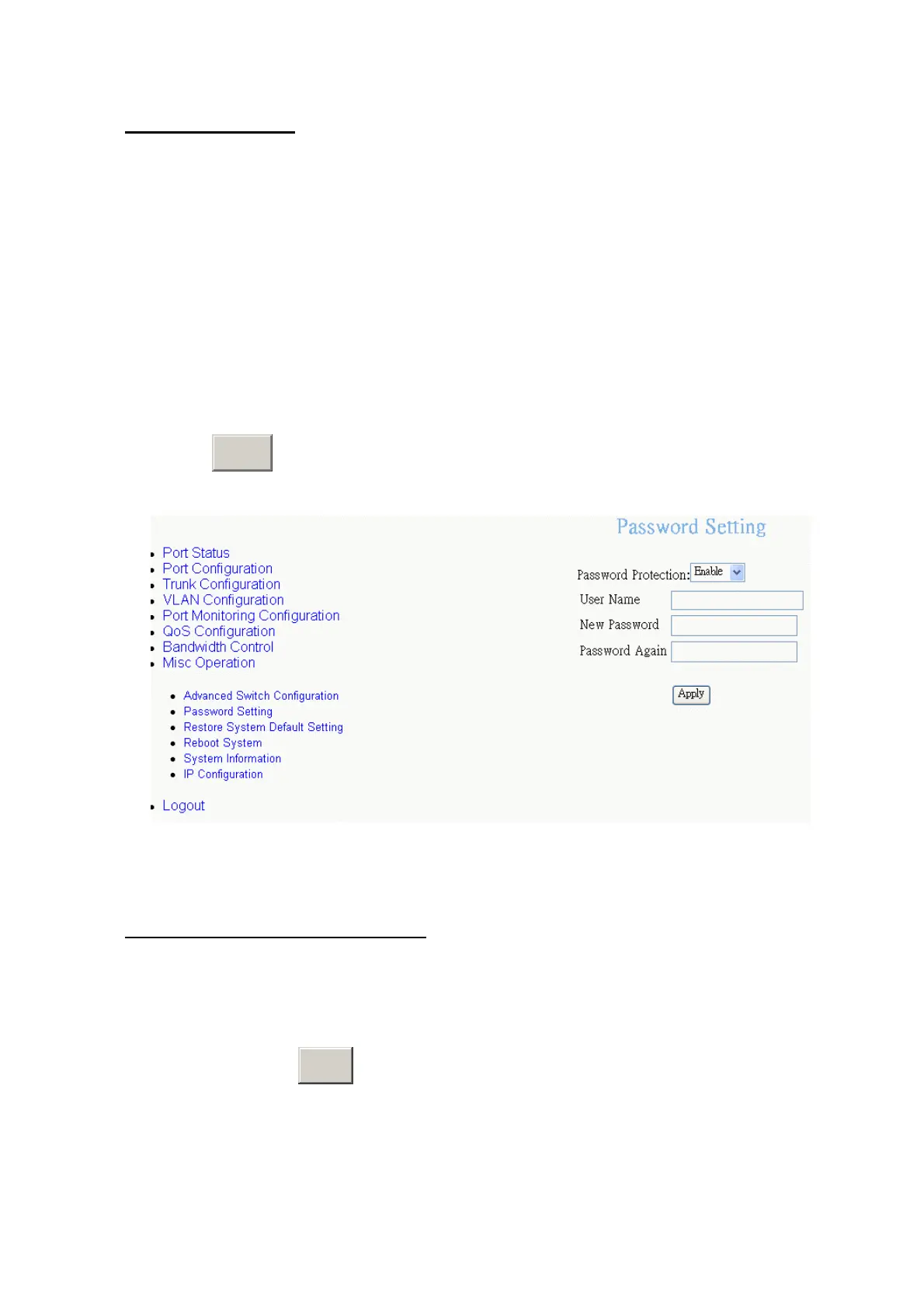
Password Setting
User can change the console and web management login username and password.
1.
Password Protection:
Enable – to enable login password checking function.
Disable – there is no password checking when login console or web configuration
interface. The default value is “Enable”.
2.
User Name:
the default user name is “root”. You can assign another user name,
as you like.
3.
New Password:
enter the new password.
4.
Password Again:
reenter the new password for confirmation.
5. Click
A
button.
pply
Password Configuration interface
Restore System Default Setting
Reset switch to default configuration.
Click the “
Restore System Default Setting
”. The system will ask you to confirm the
restore action. Click
OK
button, switch will load default setting.
45











 To Next Page