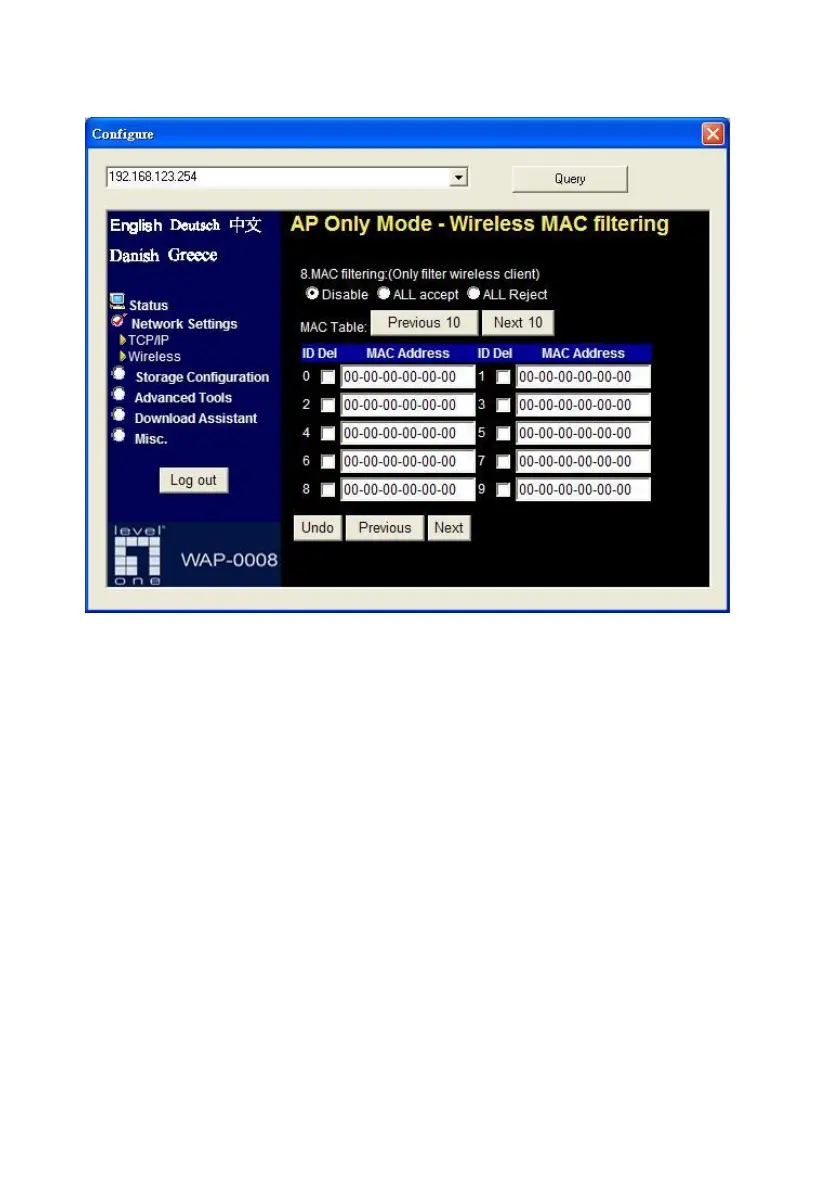
The default setting is “Disable MAC filtering”, every wireless client could
connect to this Network Storage. When you select “ALL accept”, the
wireless clients with the MAC addresses you enter below will be accepted to
connect to this Network Storage, the others will be rejected. When you
select “ALL Reject”, the wireless clients with the MAC addresses you enter
below will be rejected to connect to this Network Storage, the others will be
accepted.
After finish configuration, press “Next” button to review all wireless settings.
If everything is correct, then press “Confirm” button to save and take effect
new settings.















 To Next Page