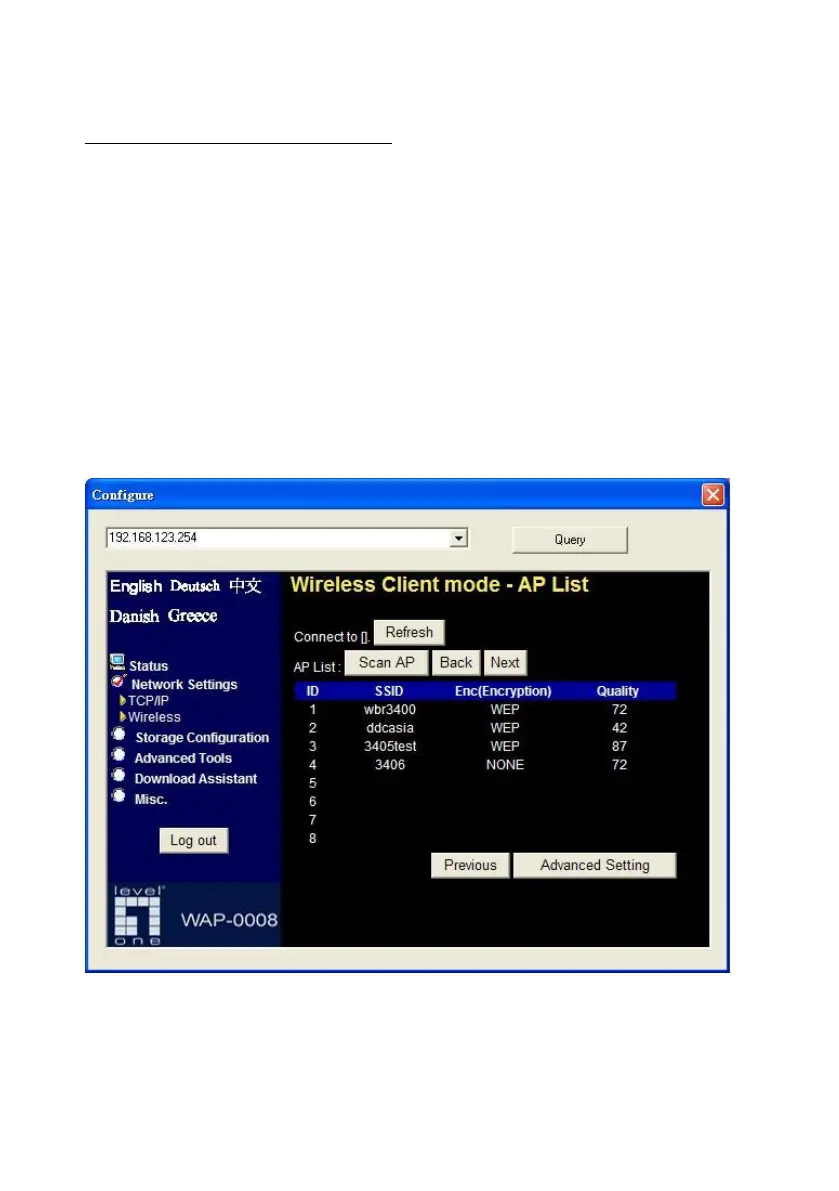
3.2.2.2 Wireless Client Mode
Select the “Wireless Client mode” and click “Next” button to setup under
the Wireless client mode.
After entering the Wireless client mode setting, click the “Scan AP” to scan
the existing AP in your environment. Then click the AP that you want to
connect to.
NOTE. If Network Storage can’t find any AP in your environment, please
check whether the antenna is well connected or not.















 To Next Page