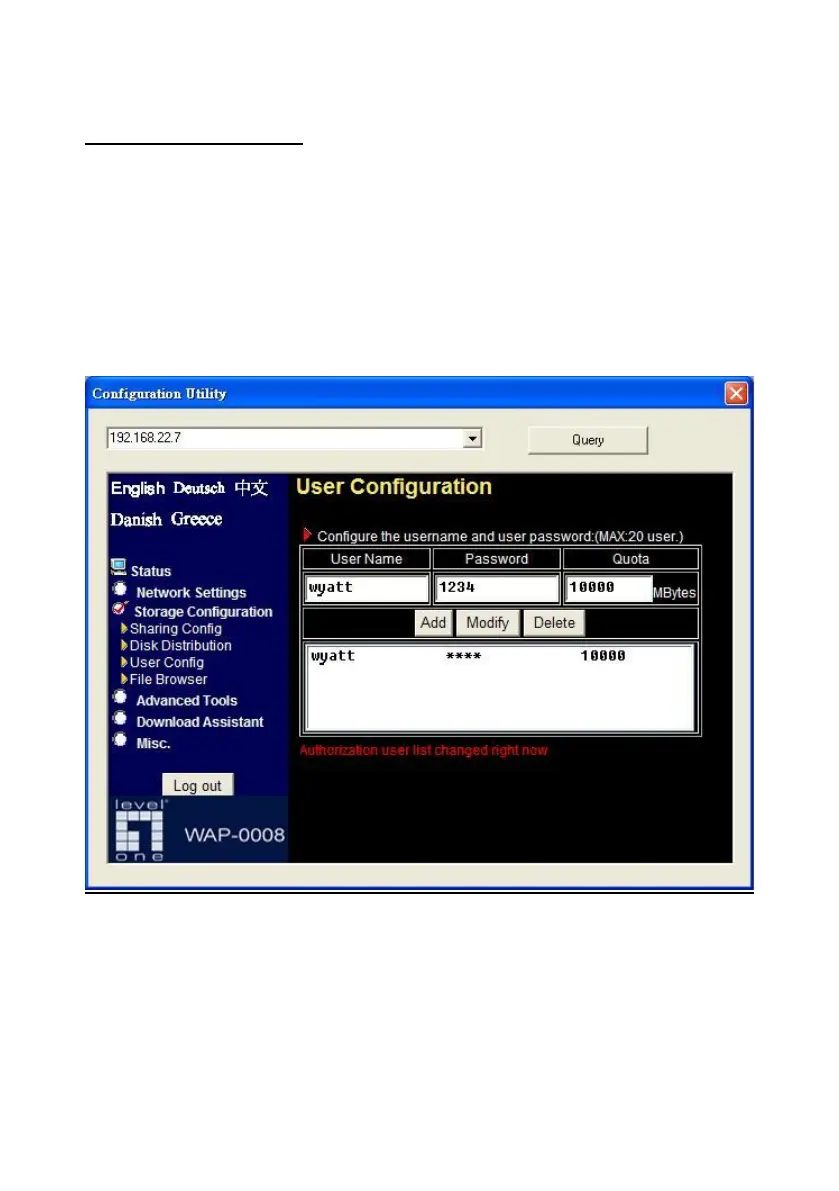
User Configuration
With user configuration, you can add or delete user account for privileged
user. After you input user name, password, and quota information, just press
“Add” button to add user account.
Note. The user information here is applied to file sharing of Microsoft
Network Places and FTP service.
Besides, you can also check the status of used capacity for every user by
entering new quota then pressing “Modify” button.















 To Next Page