How to access folders in Authorization mode
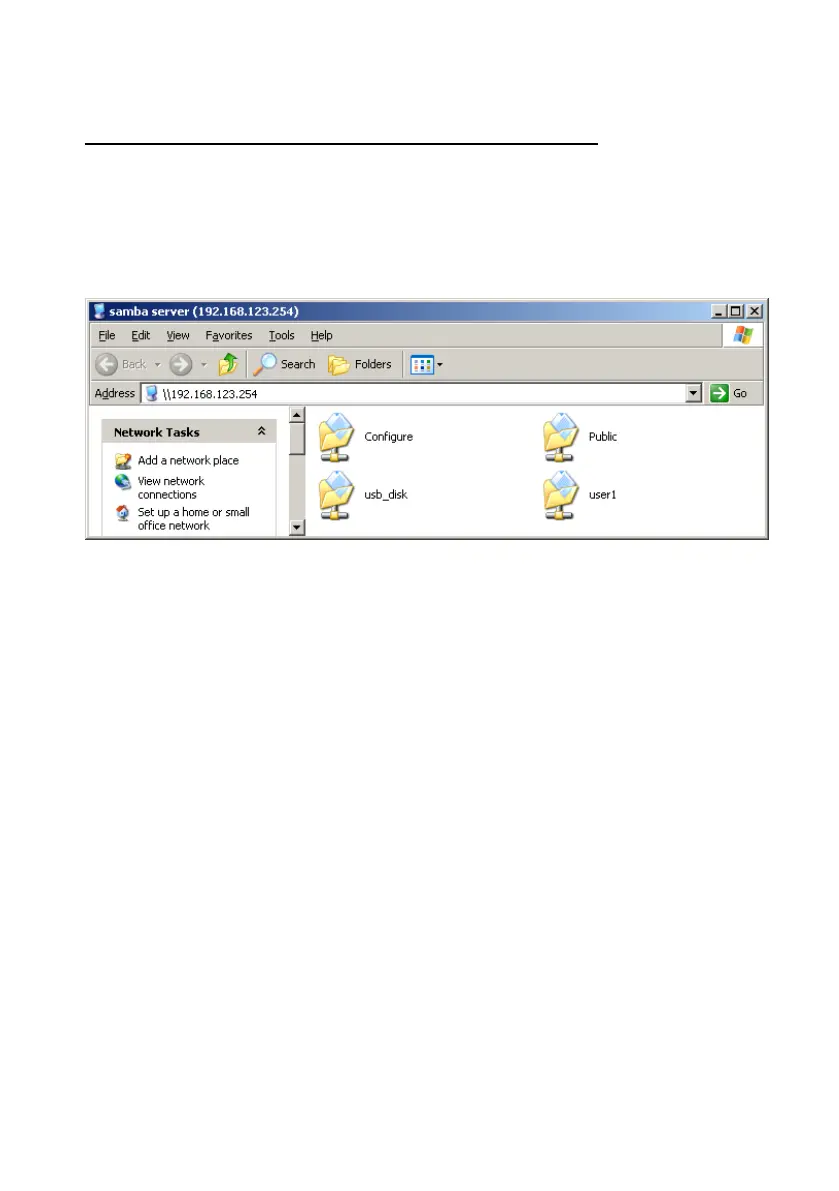
If you have added a user account (named user1), then you will find the
following folders when you browse Network Storage by My Network Places
in authorization mode.
With this scenario, everyone can access data which is stored in folder
Public and usb_disk. But only user1 can access data which is stored in
folder user1. If you try to access folder user1, an authentication window will
pop-up.















 To Next Page