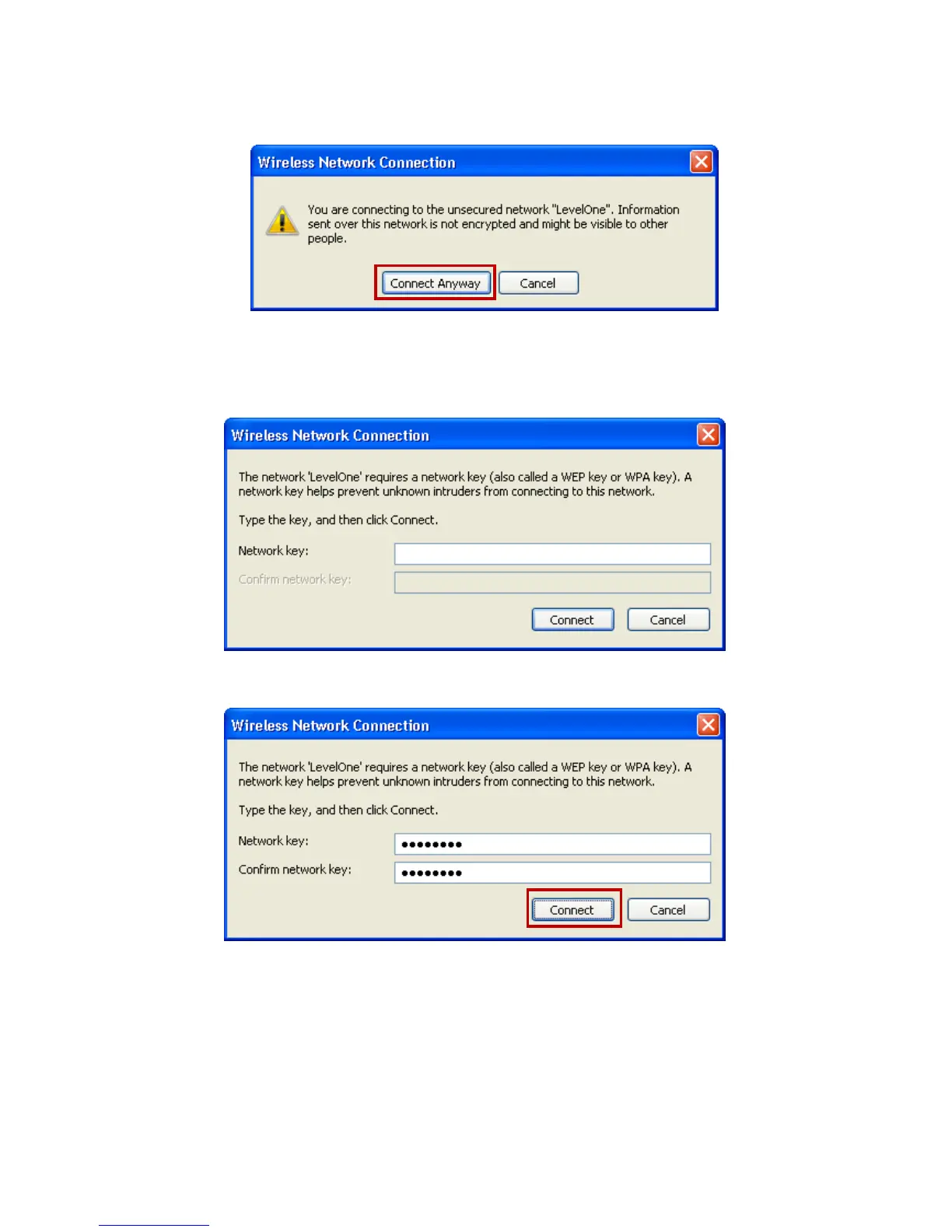
3. If the wireless network isn’t encrypted, click on "Connect
Anyway" to connect.
4. If the wireless network is encrypted, enter the network key
that belongs to your authentication type and key. You can
later change this network key via the wireless configuration
menu. (see user manual on the CD – Chapter 8).
5. Click on "Connect" or "Apply".
6. Now, the 802.11n WLAN AP has been connected, and able
to be configured.















 To Next Page