Wireless Connection
For easy installation it is saved to keep the settings. You can
later change the wireless settings via the wireless configuration
menu. (see user manual on the CD – Chapter 8).
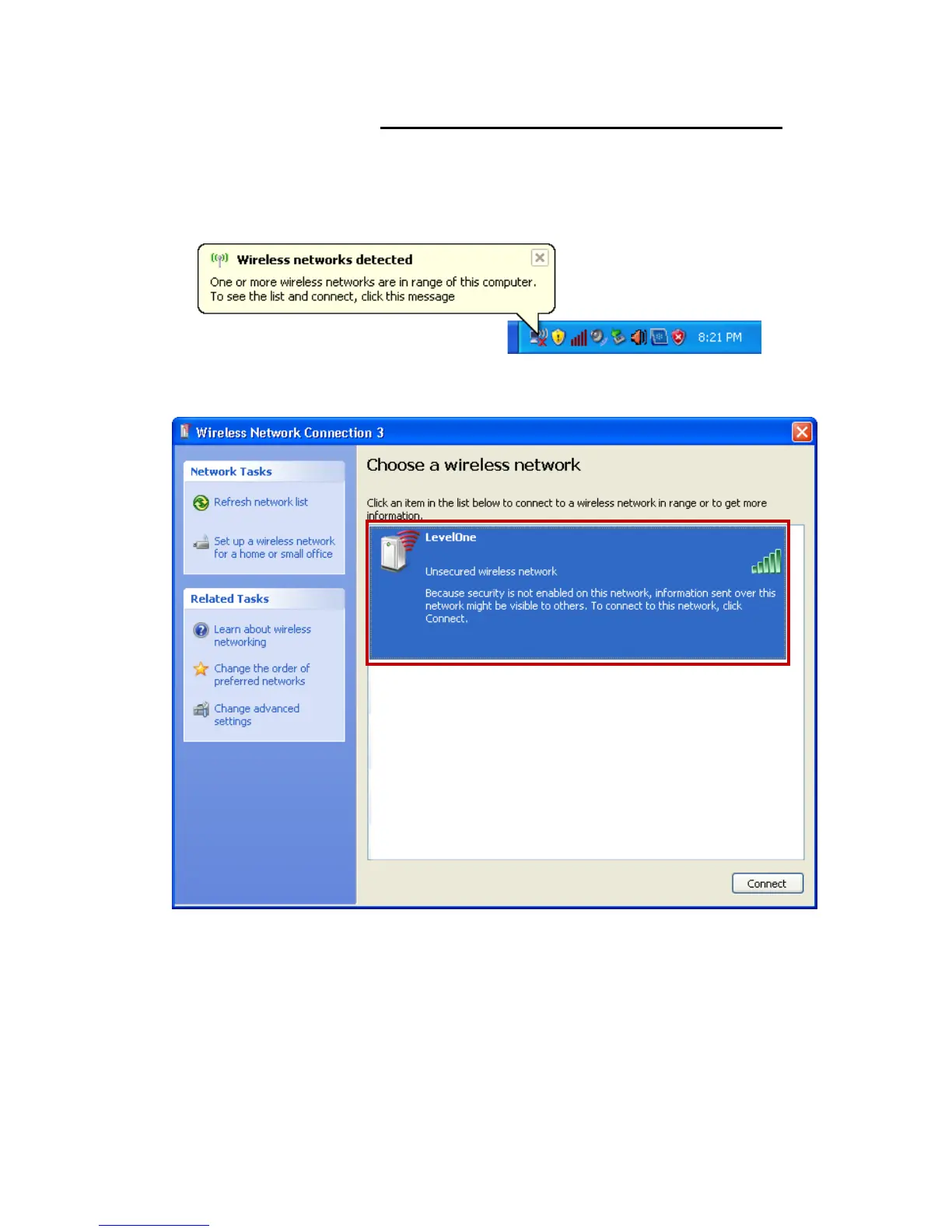
1. Double click on the wireless icon on your computer and
search for the wireless network that you enter SSID name.
2. Click on the wireless network that you enter SSID name
(the default setting SSID = LevelOne) to connect.















 To Next Page