Configure Wireless client + Site Survey
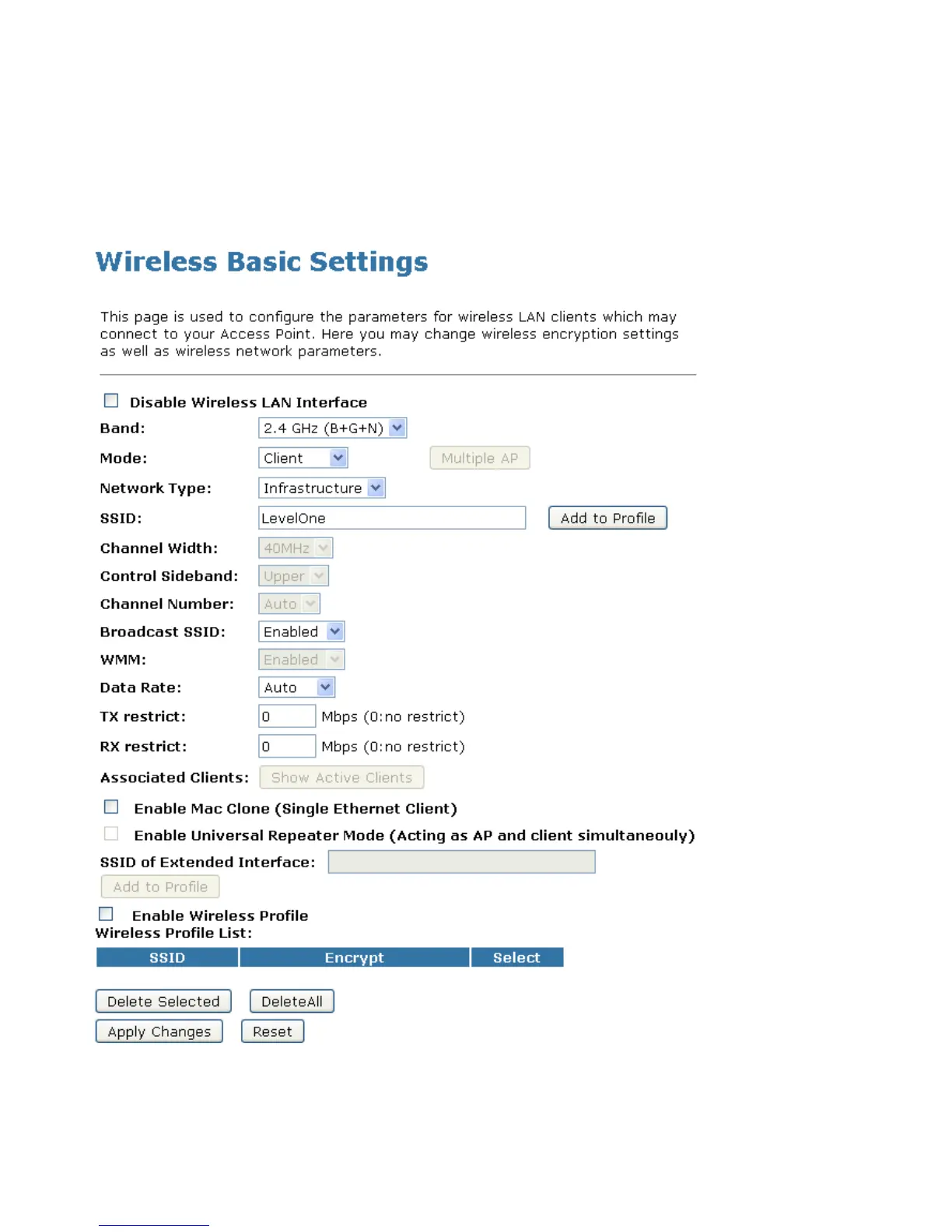
1. From the left-hand Wireless menu, click on Basic Settings.
2. From the Mode drop-down list, select Client.
3. Enter SSID of the AP that you want to connect to for
example LevelOne. If you don’t know what the SSID of the
AP that you want to connect to, please skip this step.
4. Click Apply Changes button.















 To Next Page