3. Plug the Ethernet cable into AP’s LAN port and make sure
the IP connection is valid with Vista.
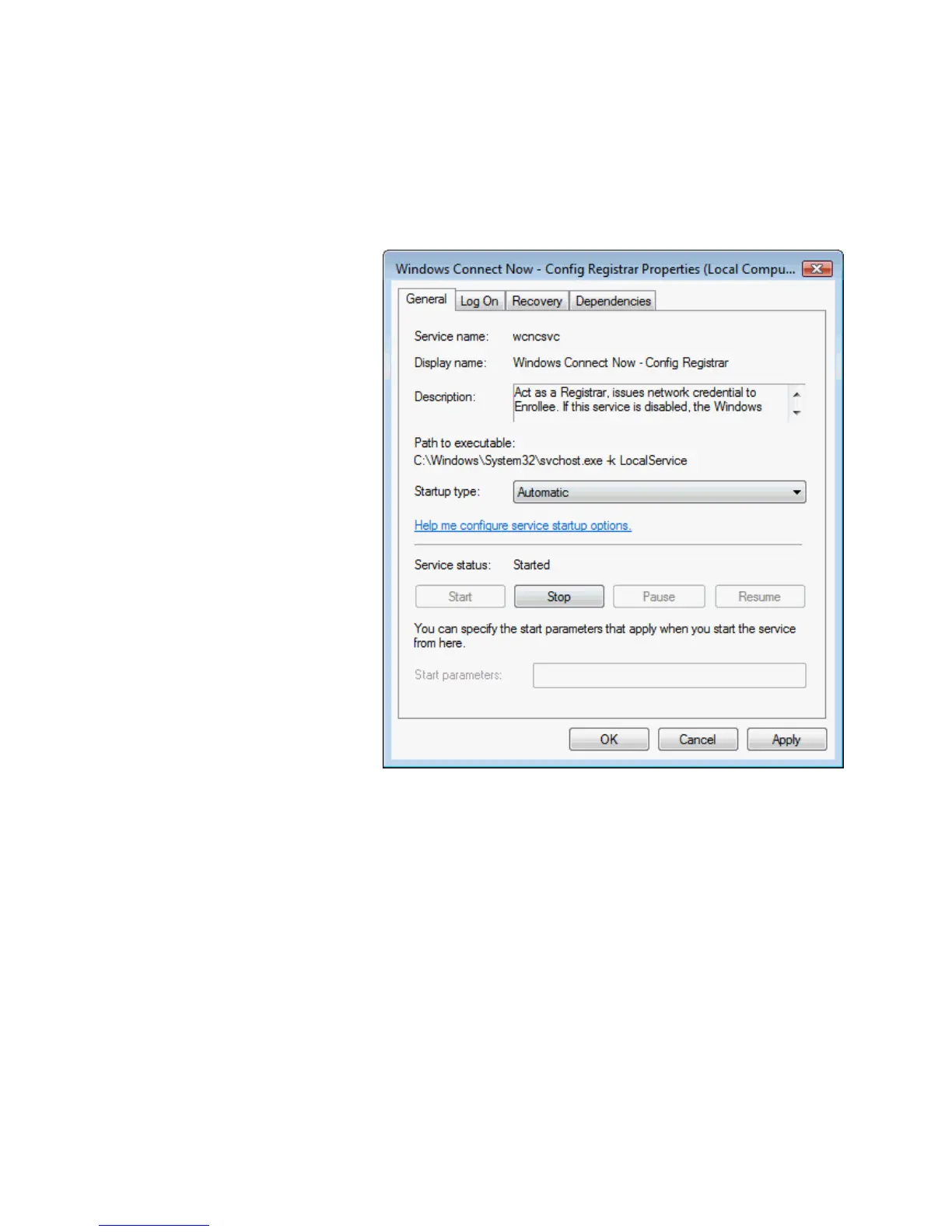
4. Make sure WCN is enabled. Users may need to enable it at
the first time. They could open the “Control Panel”, click
“Classic View“, open “Administrative Tools”, double click
“Services”, ”, a User Account Control pop up and click
“Continue“, edit properties of “Windows Connect Now”,
choose the “Startup type” with “Automatic” and click “Start”.















 To Next Page