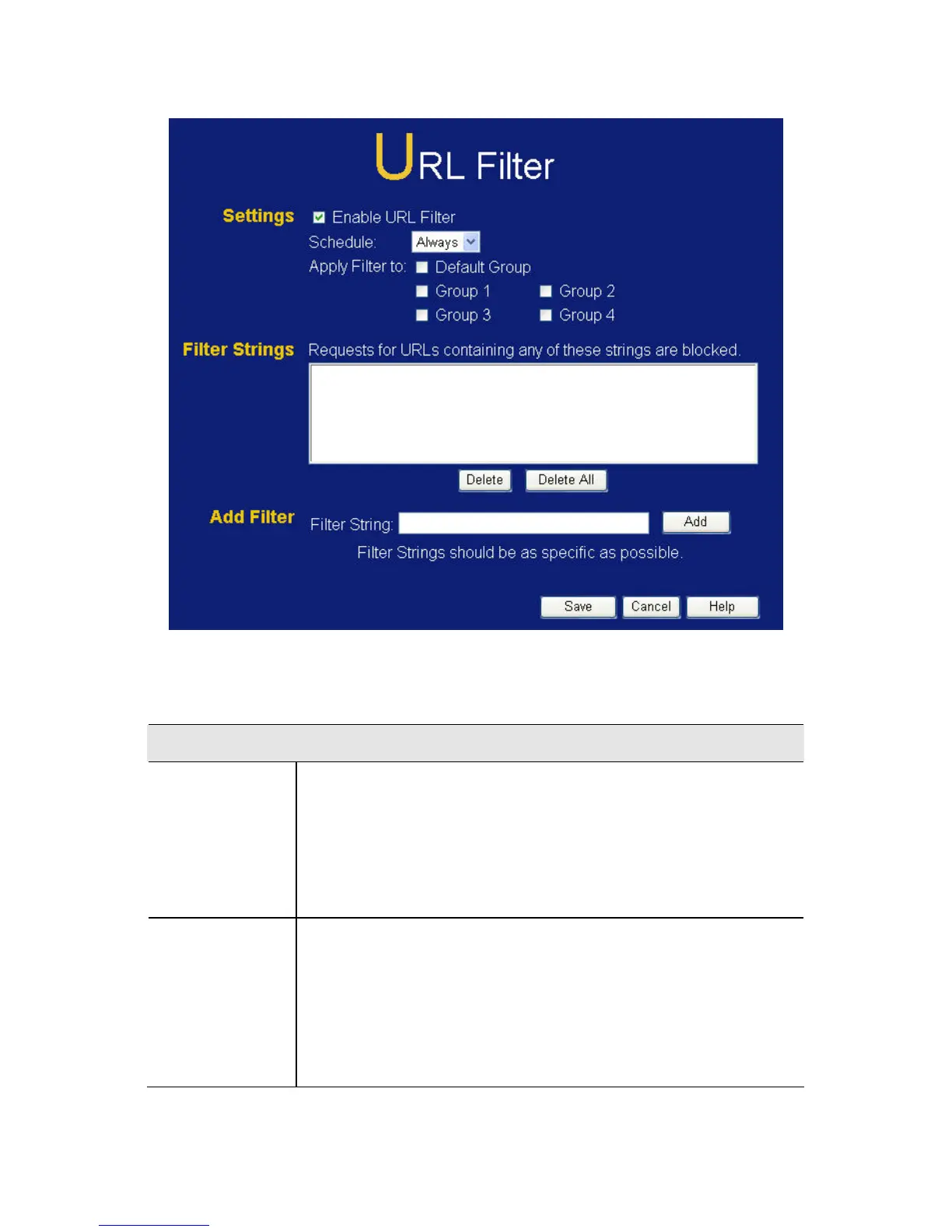
Figure 54: URL Filter Screen
Data - URL Filter Screen
Current Filter Strings
Filter
Strings
The list contains the current list of items to block.
• To add to the list, use the "Add" option below.
• To delete an entry, select it and click Delete
button.
• To delete all entries, click the Delete All button.
Add Filter
String
To add to the current list, type the word or domain
name you want to block into the field provided, then
click the Add button.
Filter strings should be as specific as possible.
Otherwise, you may block access to many more
sites than intended.
98















 To Next Page