4.7 Wireless Configuration on
Windows XP
If using Windows XP to configure the Wireless interface on your PC,
the configuration procedure is as follows:
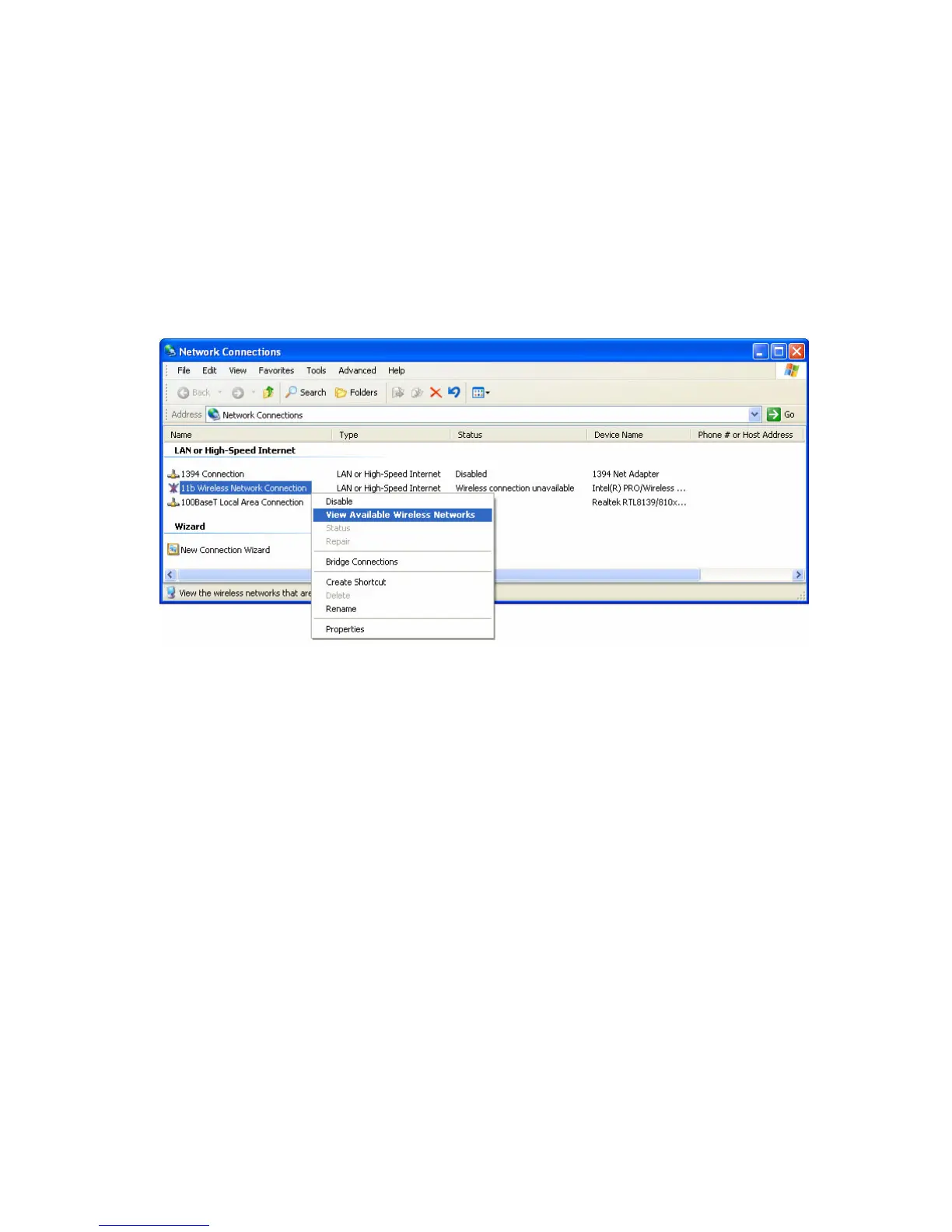
1. Open the Network Connections folder. (Start - Settings - Network
Connections).
Figure 26: Network Connections (Windows XP)
2. Right-click the Wireless Network Connection, check that it is
enabled (menu option says Disable, rather than Enable) and
then select View Available Wireless Networks.
3. You will then see a list of wireless networks.
50















 To Next Page