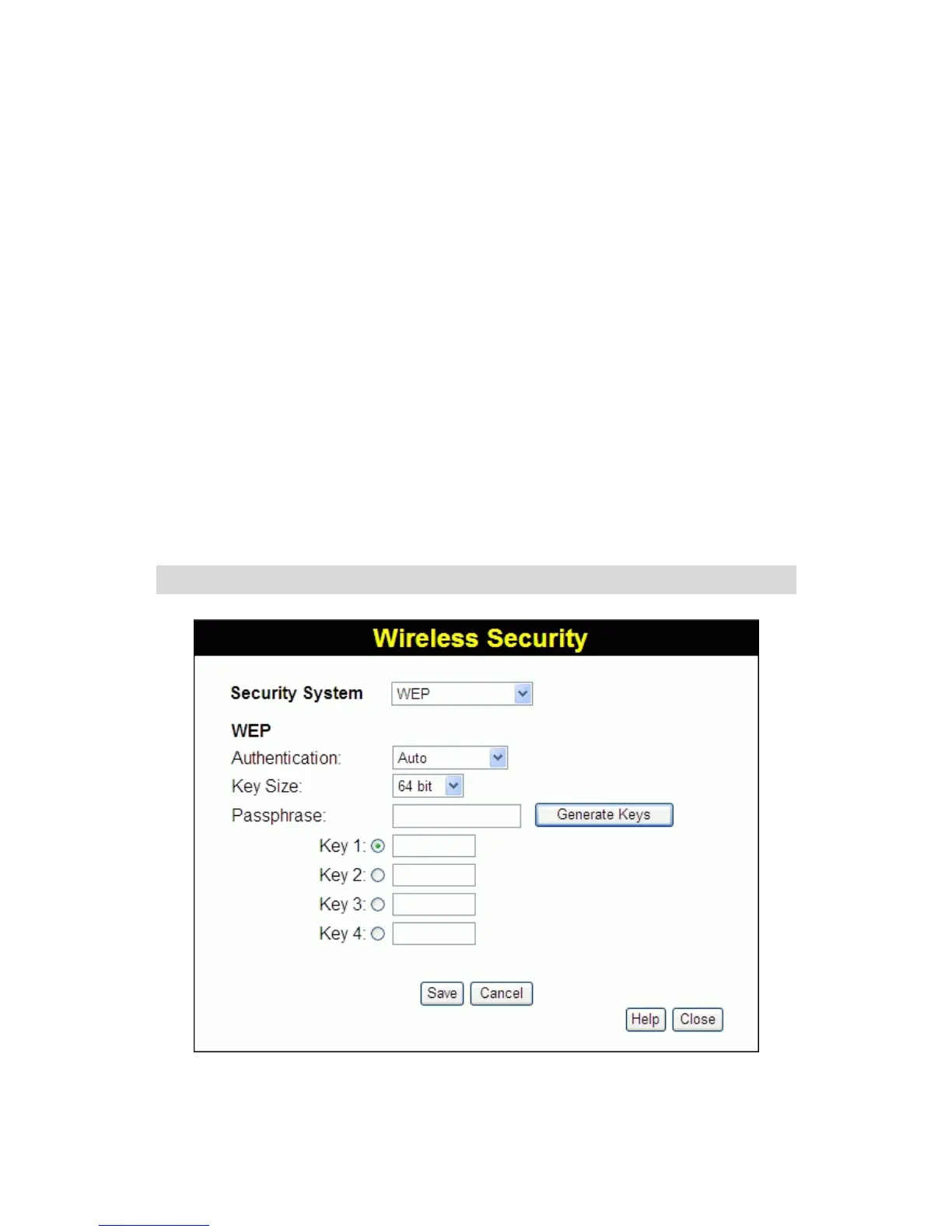
3.7 Wireless Security
This screen is accessed by clicking the "Configure" button on the
Wireless screen. There are 5 options for Wireless security:
• Disabled - no data encryption is used.
• WEP - data is encrypted using the WEP standard.
• WPA-PSK - data is encrypted using the WPA-PSK standard.
This is a later standard than WEP, and provides much better
security than WEP. If all your Wireless stations support WPA-
PSK, you should use WPA-PSK rather than WEP.
• WPA2-PSK - This is a further development of WPA-PSK, and
offers even greater security, using the AES (Advanced
Encryption Standard) method of encryption.
• WPAM-PSK(Mixed) - This method, sometimes called "Mixed
Mode", allows clients to use EITHER WPA-PSK (with TKIP) OR
WPA2-PSK (with AES).
WEP Wireless Security
Figure 8: WEP
30















 To Next Page