2 Hardware Description
This Chapter covers the physical installation of the
Wireless Broadband Router.
2.1 Physical Details
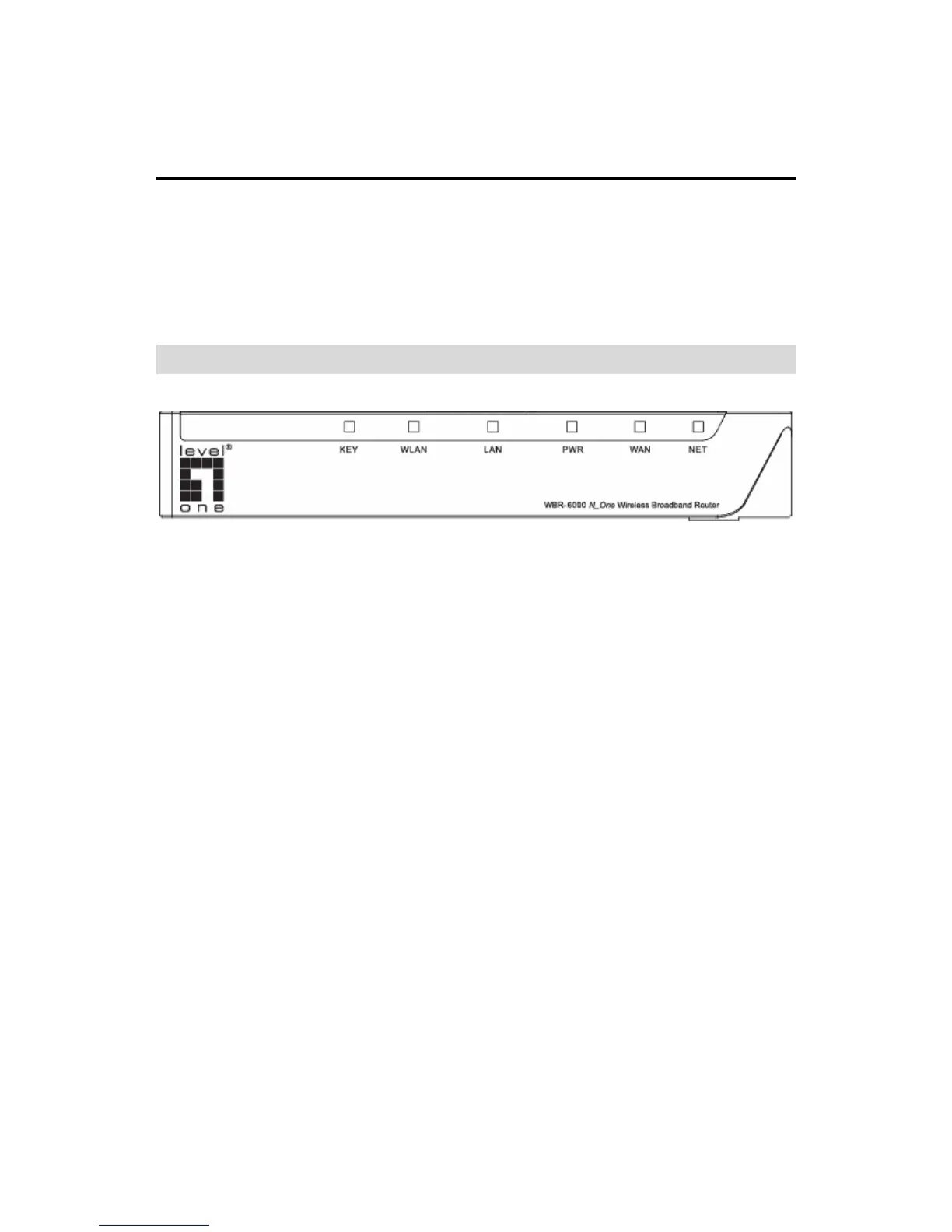
Front-mounted LEDs
Figure 1: Front Panel
KEY
On - Wireless security is enabled.
Off - Wireless security is disabled.
Blinking – WPS function is currently in use.
WLAN
On - Wireless connection.
Off - No Wireless connections currently exist.
LAN
On - Corresponding LAN (hub) port is active.
Off - No active connection on the corresponding
LAN (hub) port.
PWR
On - Power on.
Off - No power.
Flashing - This LED blinks during start up, and
during a Firmware Upgrade.
WAN
On - Connection to the modem attached to the
WAN (Internet) port is established.
Off – No connection to the modem attached to
the WAN (Internet) port.
NET
On - Internet connection is available.
Off - No Internet connection available.
7















 To Next Page