7.3 Config File
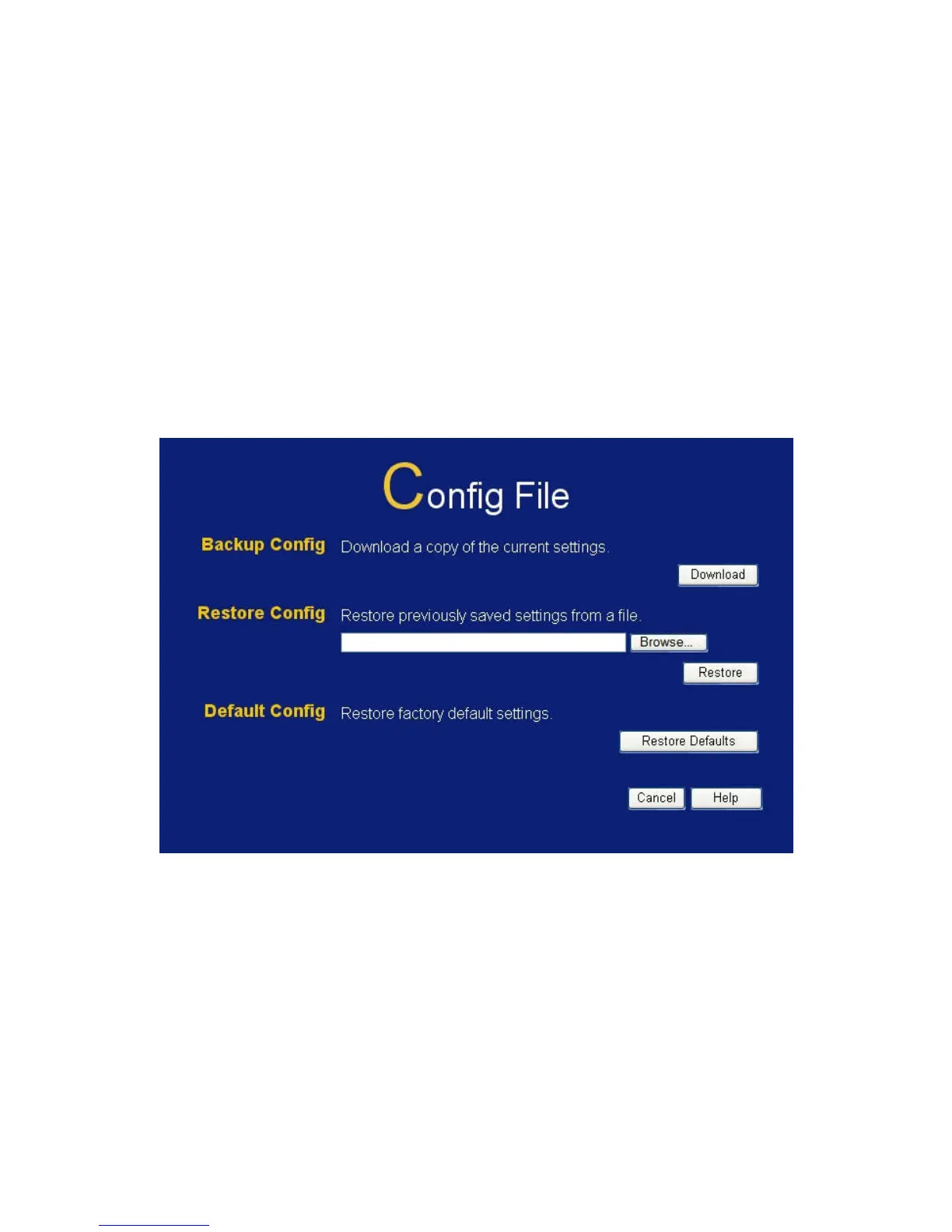
This feature allows you to download the current settings from the
Wireless Broadband Router, and save them to a file on your PC.
You can restore a previously-downloaded configuration file to the
Wireless Broadband Router, by uploading it to the Wireless
Broadband Router.
This screen also allows you to set the Wireless Broadband Router
back to its factory default configuration. Any existing settings will be
deleted.
An example Config File screen is shown below.
Figure 63: Config File Screen
120















 To Next Page