3.4 Home Screen
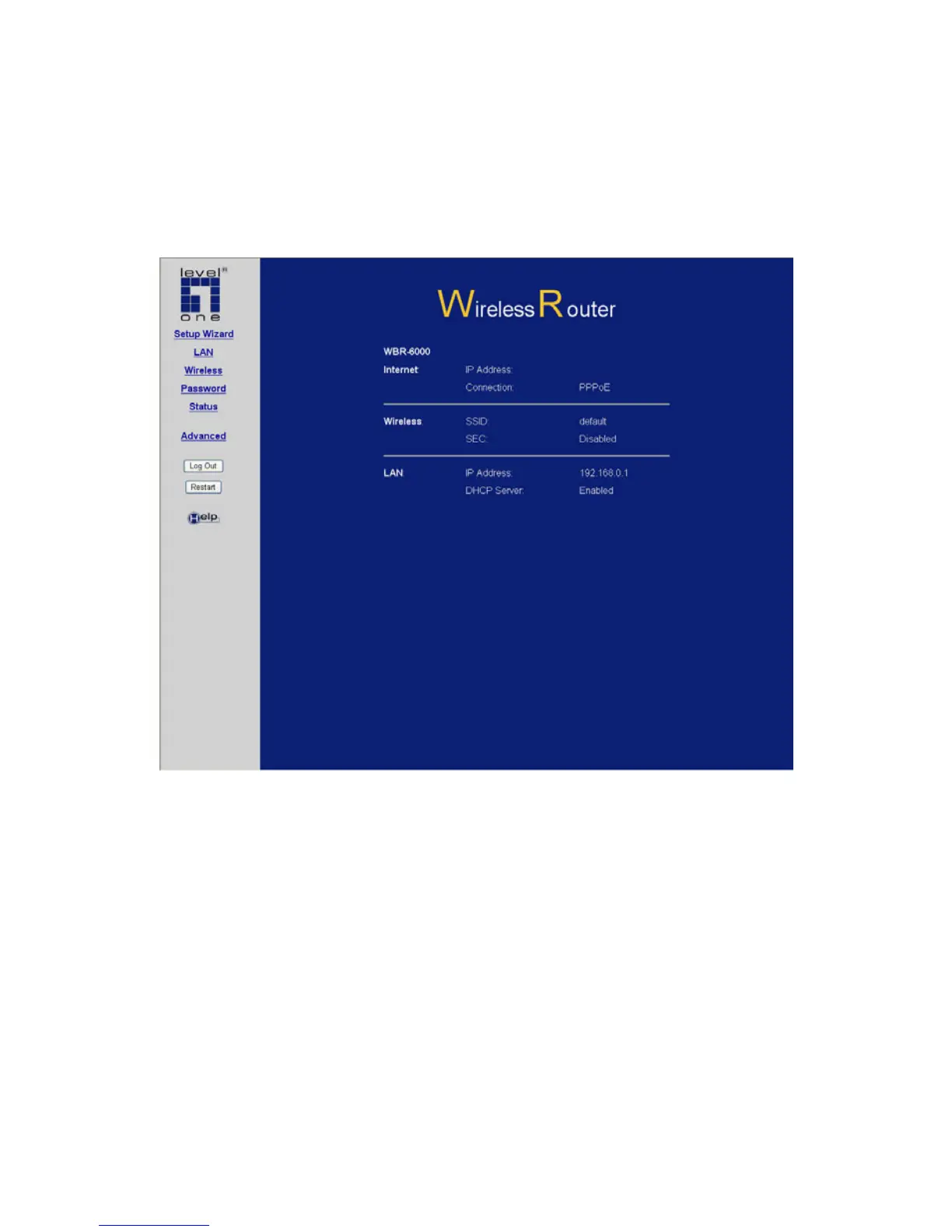
After finishing the Setup Wizard, you will see the Home screen.
When you connect in future, you will see this screen when you
connect. An example screen is shown below.
Figure 4: Home Screen
Main Menu
The main menu, on the left, contains links to the most-commonly
used screen. To see the links to the other available screens, click
"Advanced".
The main menu also contains one button:
• Log Out - When finished, you should click this button to logout.
Navigation & Data Input
• Use the menu bar on the left of the screen, and the "Back"
button on your Browser, for navigation.
20















 To Next Page