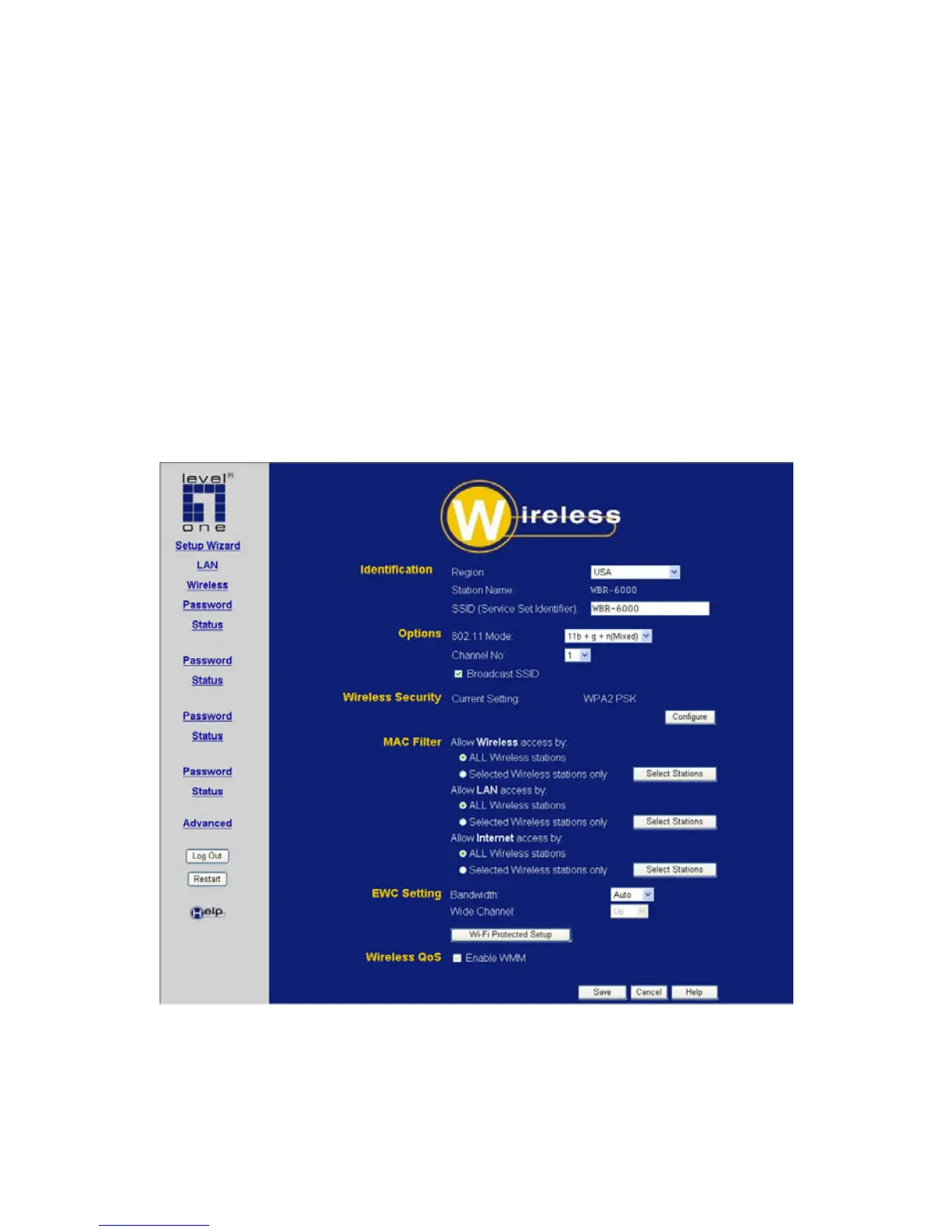
3.6 Wireless Screen
The Wireless Broadband Router's settings must match the other
Wireless stations.
Note that the Wireless Broadband Router will automatically accept
802.11b, 802.11g and 802.11n Draft, and no configuration is
required for this feature.
To change the Wireless Broadband Router's default settings for the
Wireless Access Point feature, use the Wireless link on the main
menu to reach the Wireless screen. An example screen is shown
below.
Figure 6: Wireless Screen
25















 To Next Page