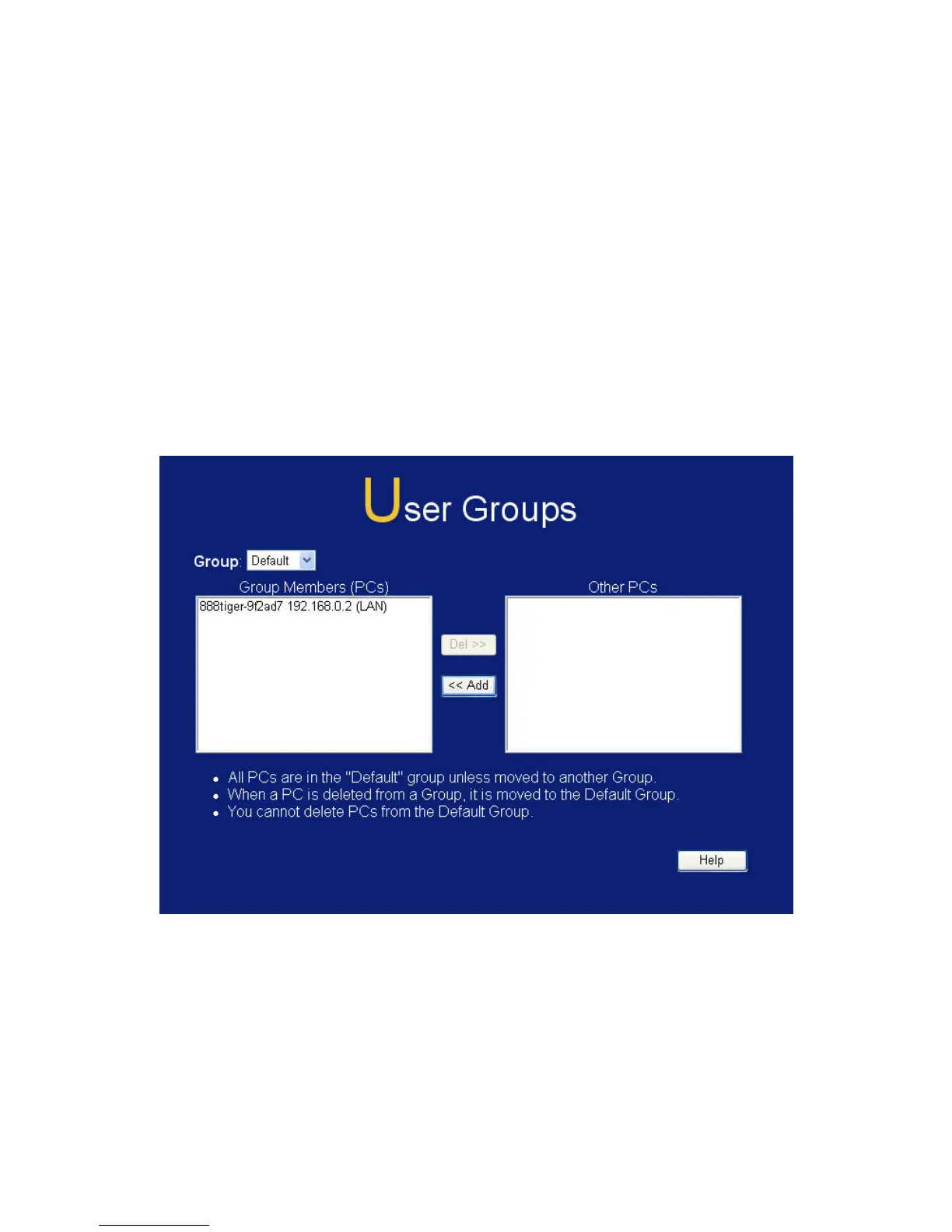
6.6 User Groups
User Groups are used by the Access Control and the URL Filter
features.
• Groups are pre-named "Default", "Group 1", "Group 2", "Group
3" and "Group 4", and cannot be renamed.
• All PCs are in the "Default" group, unless moved to another
group.
• A PC can be a member of 1 group only.
• PCs must be in the "PC Database". If required, you can manually
add PCs to the PC Database, using the PC Database option on
the Administration menu.
Figure 55: User Groups Screen
99















 To Next Page