Clear Log
Click this to clear and restart the "Access Control"
log, making new entries easier to read.
Refresh
Update the data on screen.
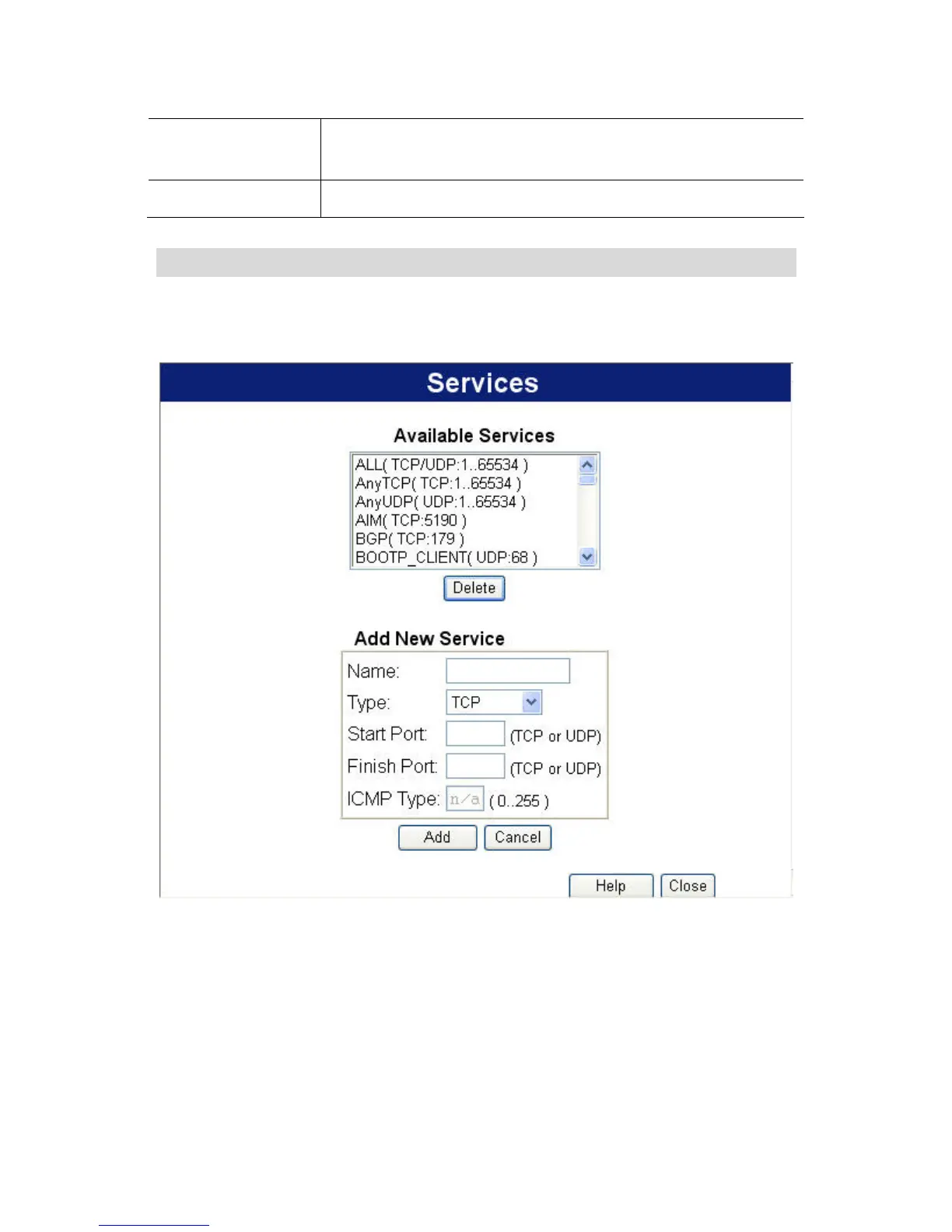
Services Screen
This screen is displayed when the Edit Service List button on the
Access Control screen is clicked.
Figure 52: Access Control – Services
92















 To Next Page