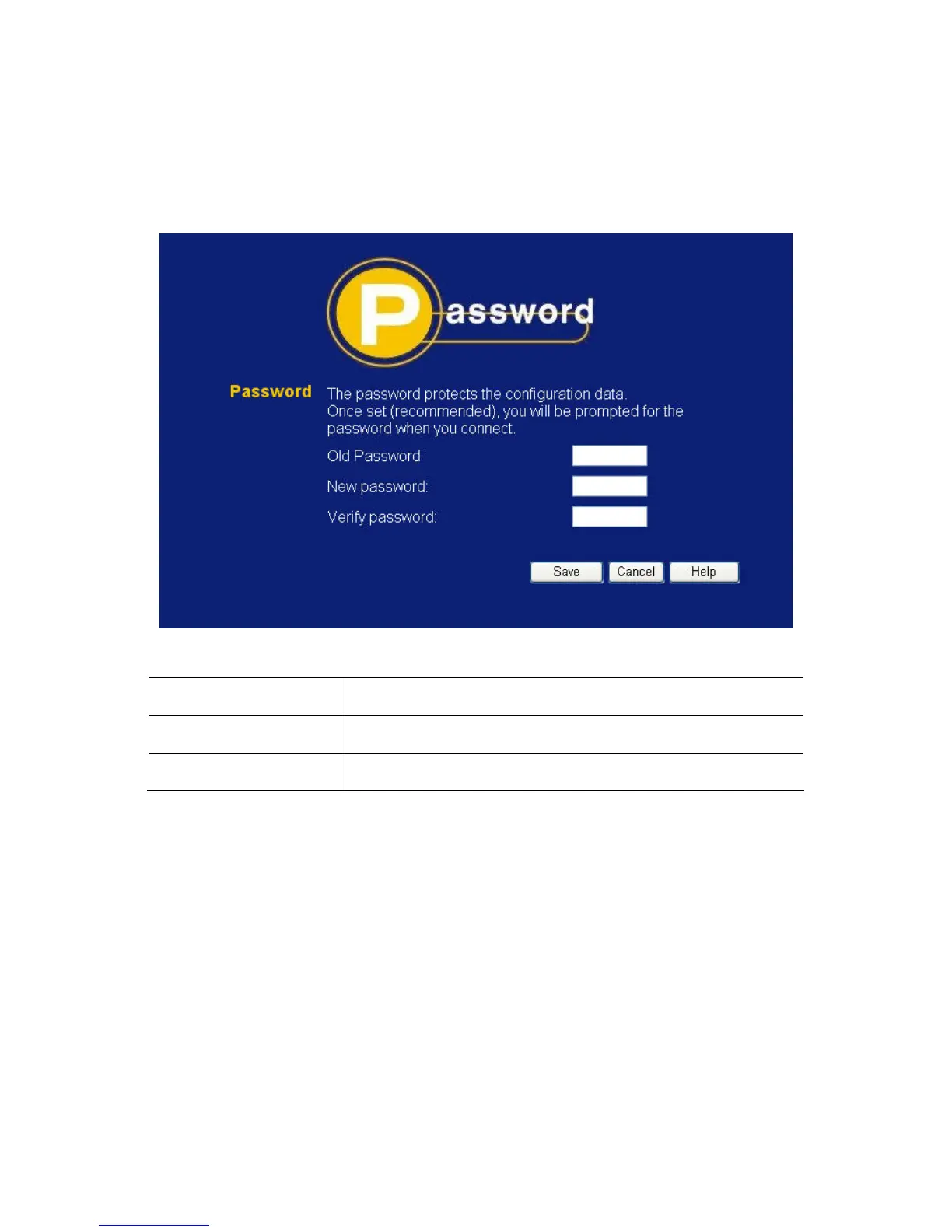
3.8 Password Screen
The password screen allows you to assign a password to the
Wireless Broadband Router.
Figure 12: Password Screen
Old Password
Enter the existing password in this field.
New password
Enter the new password here.
Verify password
Re-enter the new password here.
You will be prompted for the password when you connect, as shown
below.
35















 To Next Page