7.2 PC Database
The PC Database is used whenever you need to select a PC (e.g.
for the "DMZ" PC). It eliminates the need to enter IP addresses. Also,
you do not need to use fixed IP addresses on your LAN.
PC Database Screen
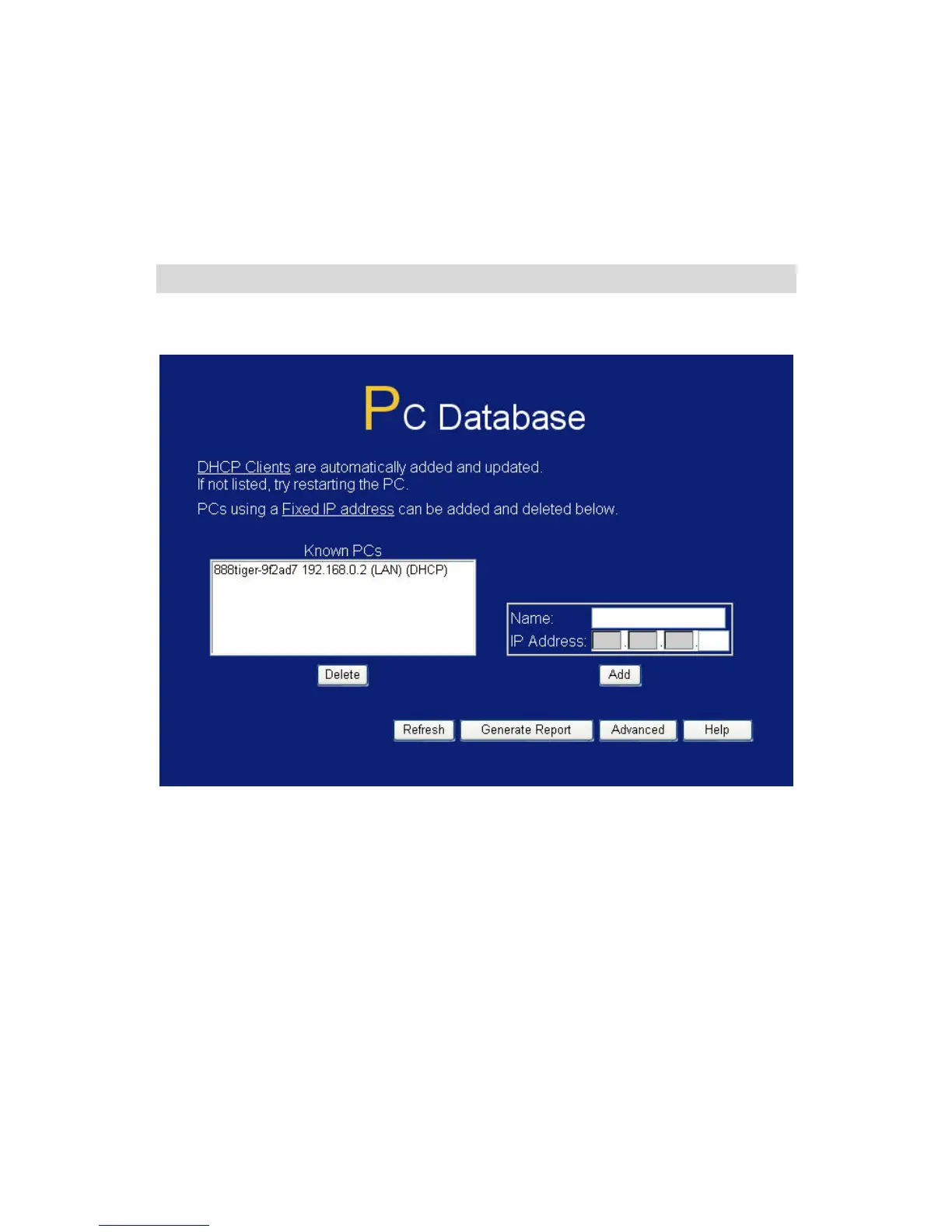
An example PC Database screen is shown below.
Figure 61: PC Database
• PCs which are "DHCP Clients" are automatically added to the
database, and updated as required.
• By default, non-Server versions of Windows act as "DHCP
Clients"; this setting is called "Obtain an IP Address
automatically".
• The Wireless Router uses the "Hardware Address" to identify
each PC, not the name or IP address. The "Hardware Address"
can only change if you change the PC's network card or adapter.
115















 To Next Page