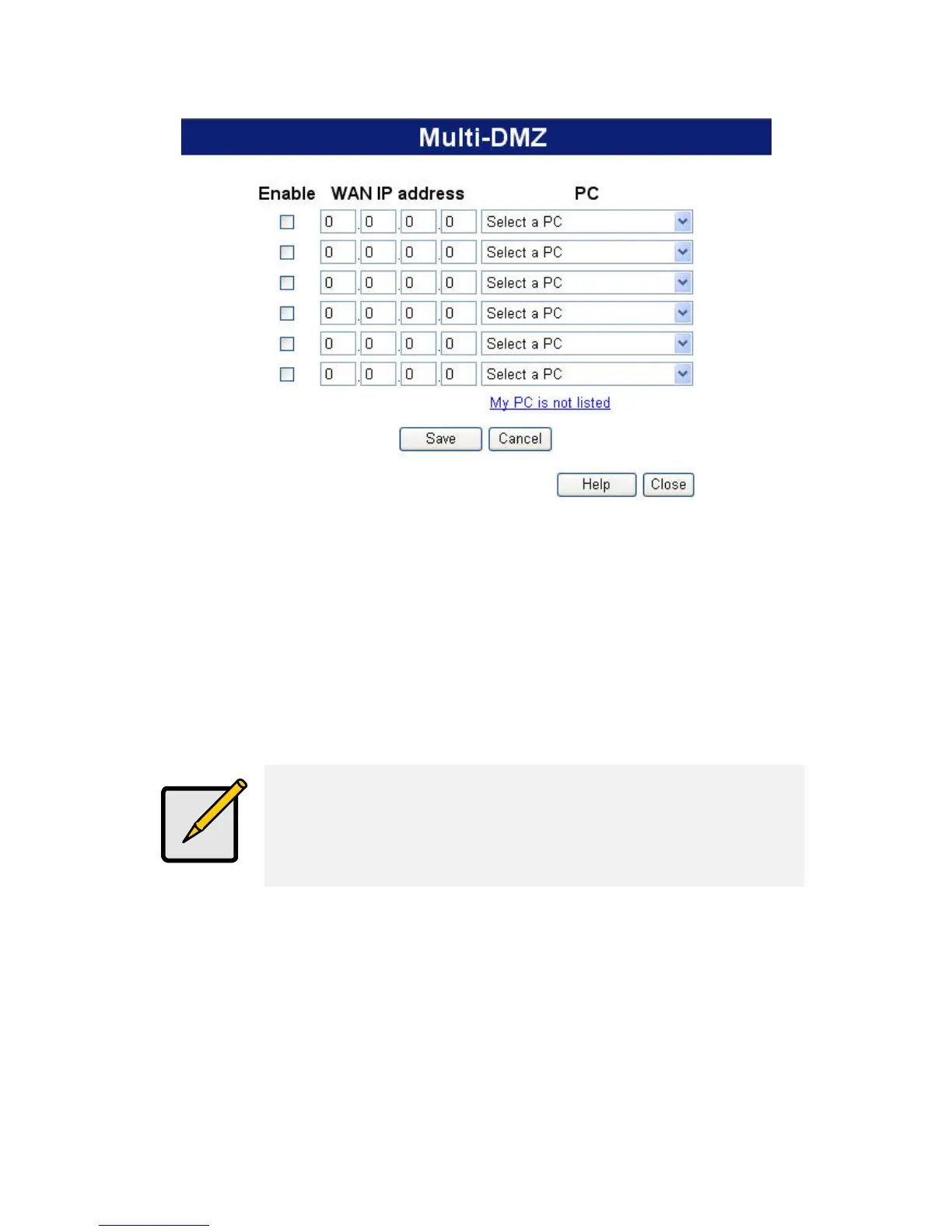
Figure 50: Multi-DMZ
To use this feature:
• Enter an IP address allocated to you by your ISP into the WAN
IP address field.
• Select the PC to be the DMZ PC for traffic sent to this IP address.
• Enable this DMZ.
The "DMZ PC" is effectively outside the Firewall,
making it more vulnerable to attacks. For this
reason, you should only enable the DMZ feature
when required.
88















 To Next Page