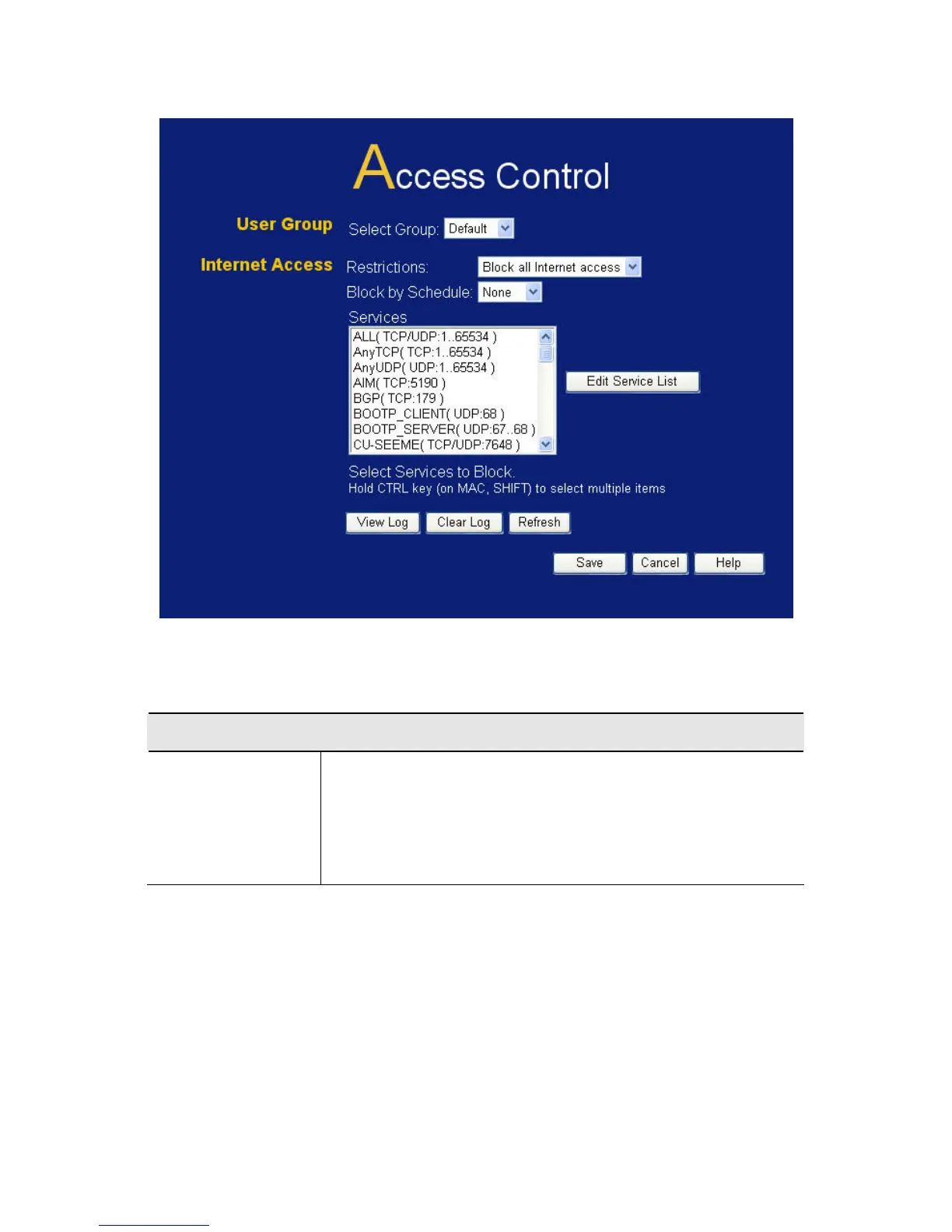
Figure 51: Access Control Screen
Data - Access Control Screen
User Group
Select Group
Select the desired Group. The screen will update
to display the settings for the selected Group.
Groups are named "Default", "Group 1", "Group
2", "Group 3" and "Group 4", and cannot be re-
named.
90















 To Next Page