11
3.2.
Hardware Installation
3.2.1. Decide where to place your Wireless Router
You can place your Wireless Router on a desk or other flat surface. For optimal performance, place
your Wireless Router in the center of your office (or your home) in a location that is away from any
potential source of interference, such as a metal wall or microwave oven. This location must be close
to power and network connection.
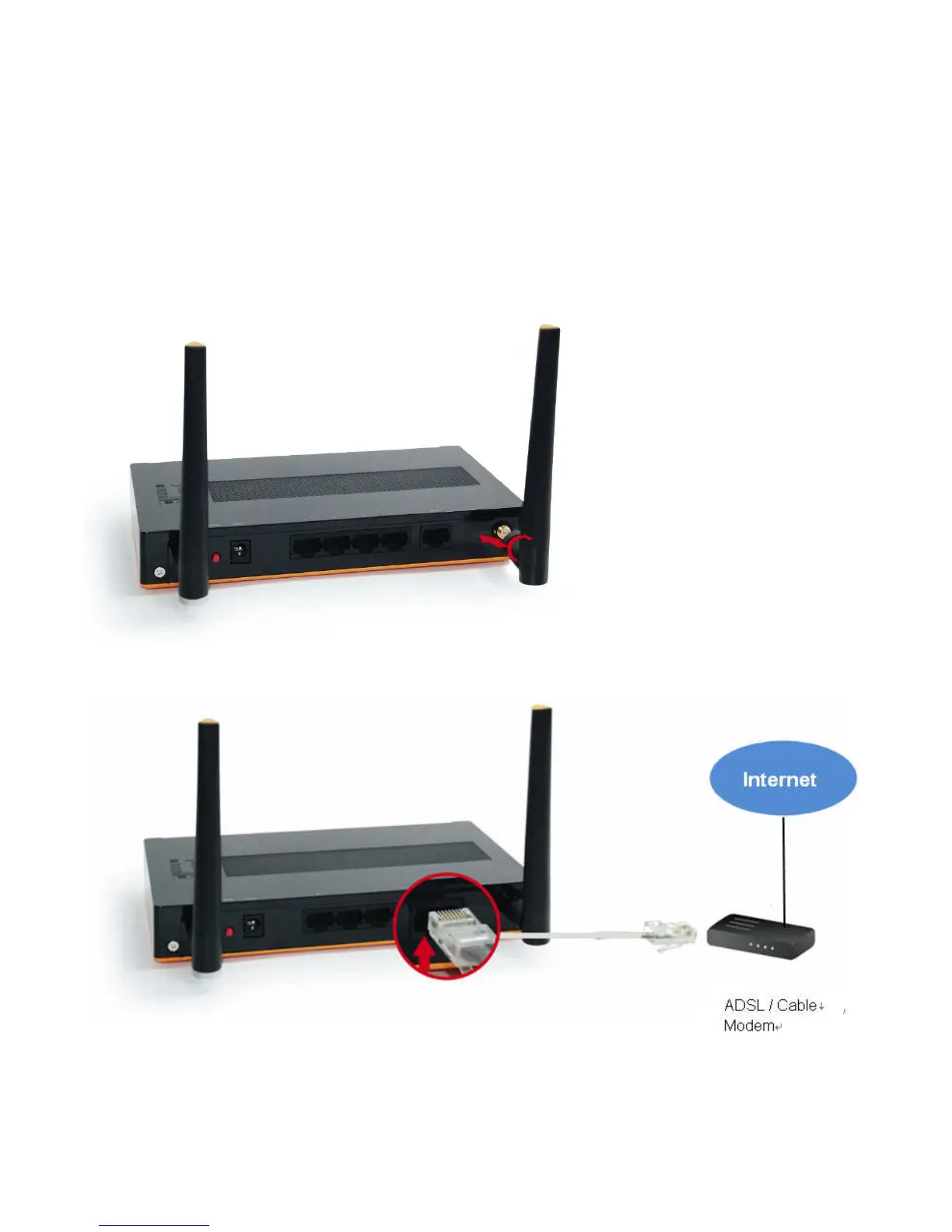
A. Attach the included antennas.
B. Connect your broadband internet connection to WBR-6022’s WAN port.















 To Next Page