14
4 Setup the WBR-6022 Home Surveillance
Once properly configured, the WBR-6022 Wireless HomeGuard 22 Router will obtain and assign IP
address information automatically. Configuration settings can be established through the Web-Based
Configuration Menu, or the Easy Setup Utility on the CD.
4.1 Easy Setup Utility
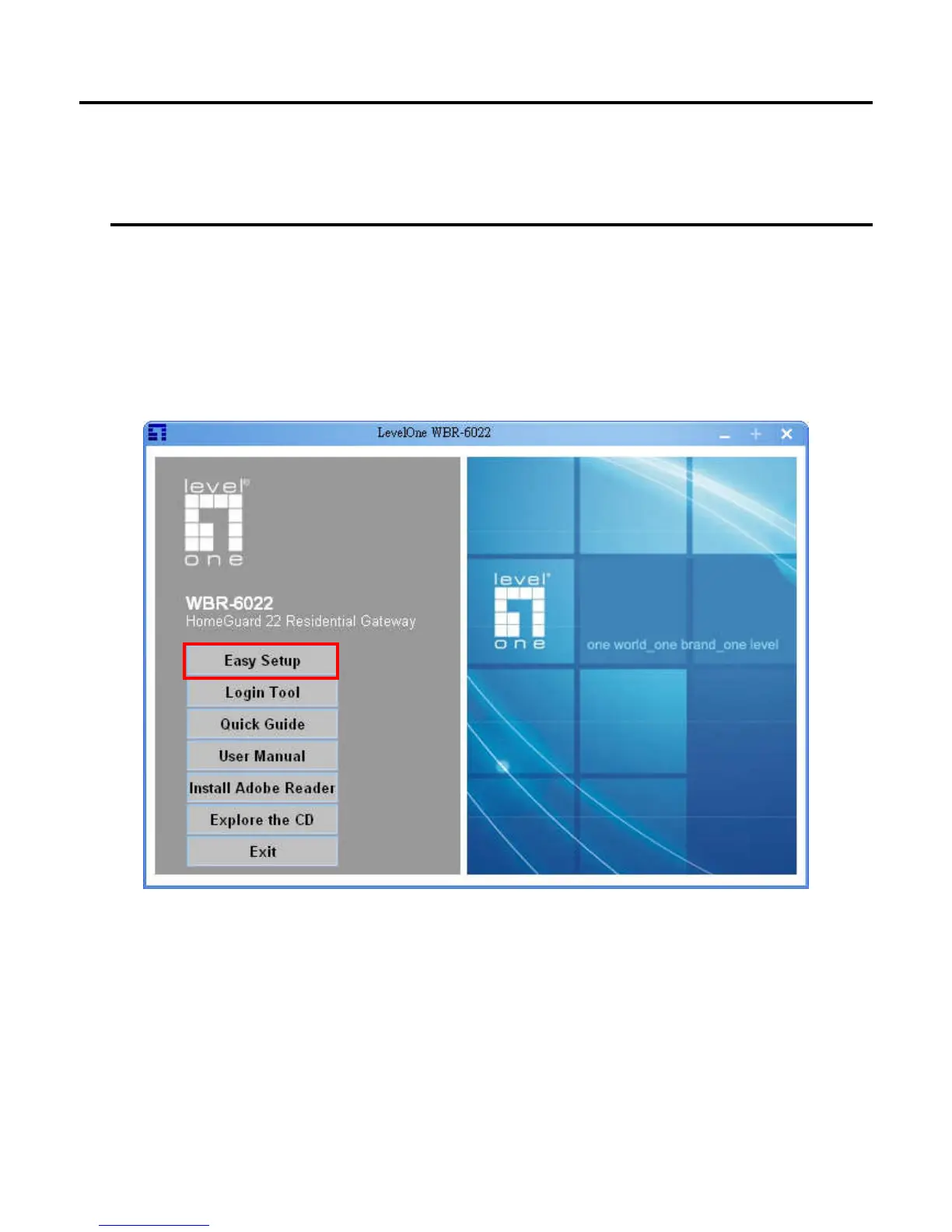
Insert the CD into your CD-ROM drive of your computer.
The autorun program should start automatically.
If it does not, please run autorun.exe on your CD.
In the autorun screen, click Utility to begin the Easy Setup Utility.
Before running Easy-Setup, please make sure that your PC is correctly connected with the
router. After executing it, you could see following screen:















 To Next Page