41
4.3.3 Advanced Setting
1. Account Management
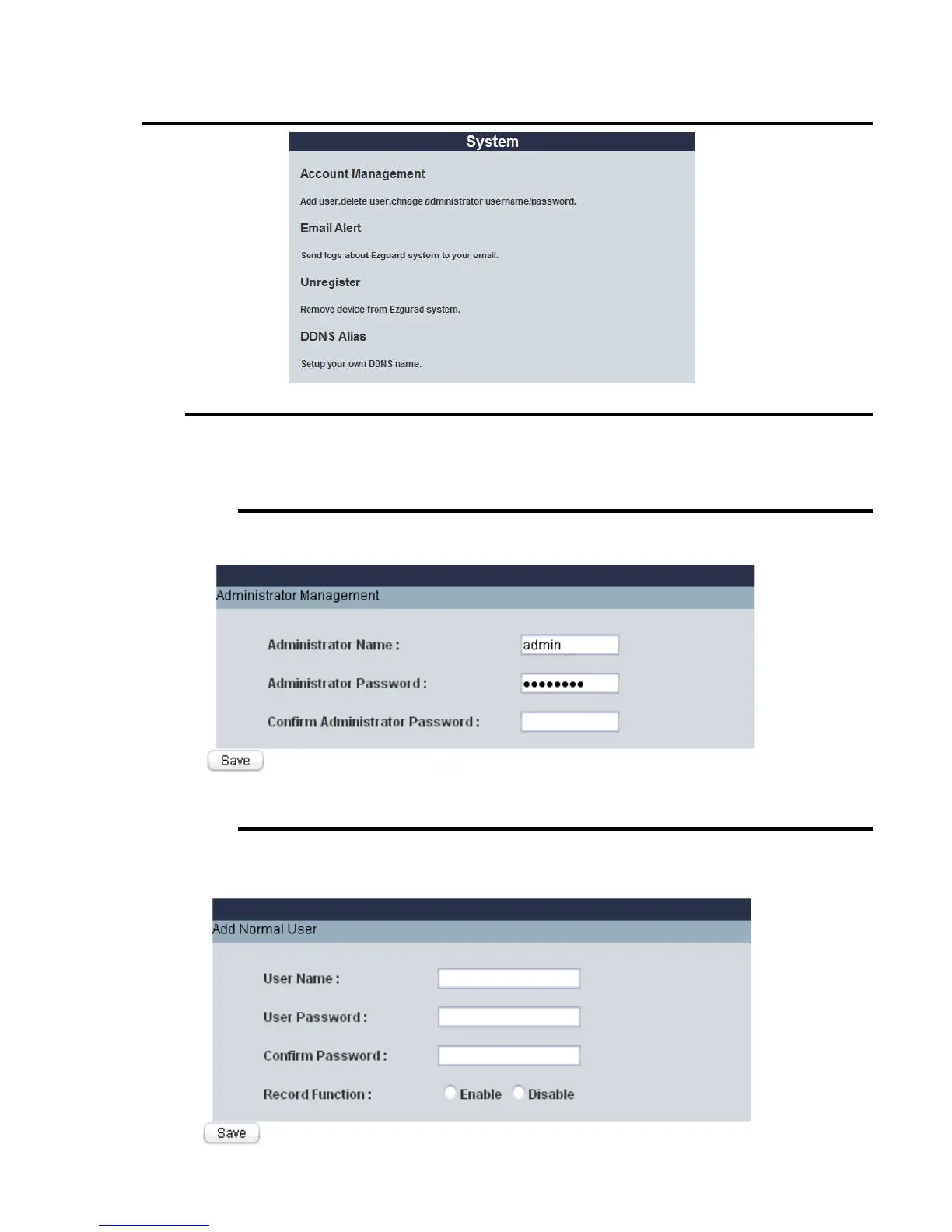
Press the “Account Management” link under “System” tag.
A. Administrator Management
You could modify administrator account username/password here..
Please be noted, only administrator account has the right to modify the setting of HomeGuard system.
B. Add Normal User
You could add new normal user account here.
For normal users, you can decide to enable/disable their record function.















 To Next Page