37
4.3 Detail to Setup a HomeGuard system
4.3.1 View , SNAP and Record
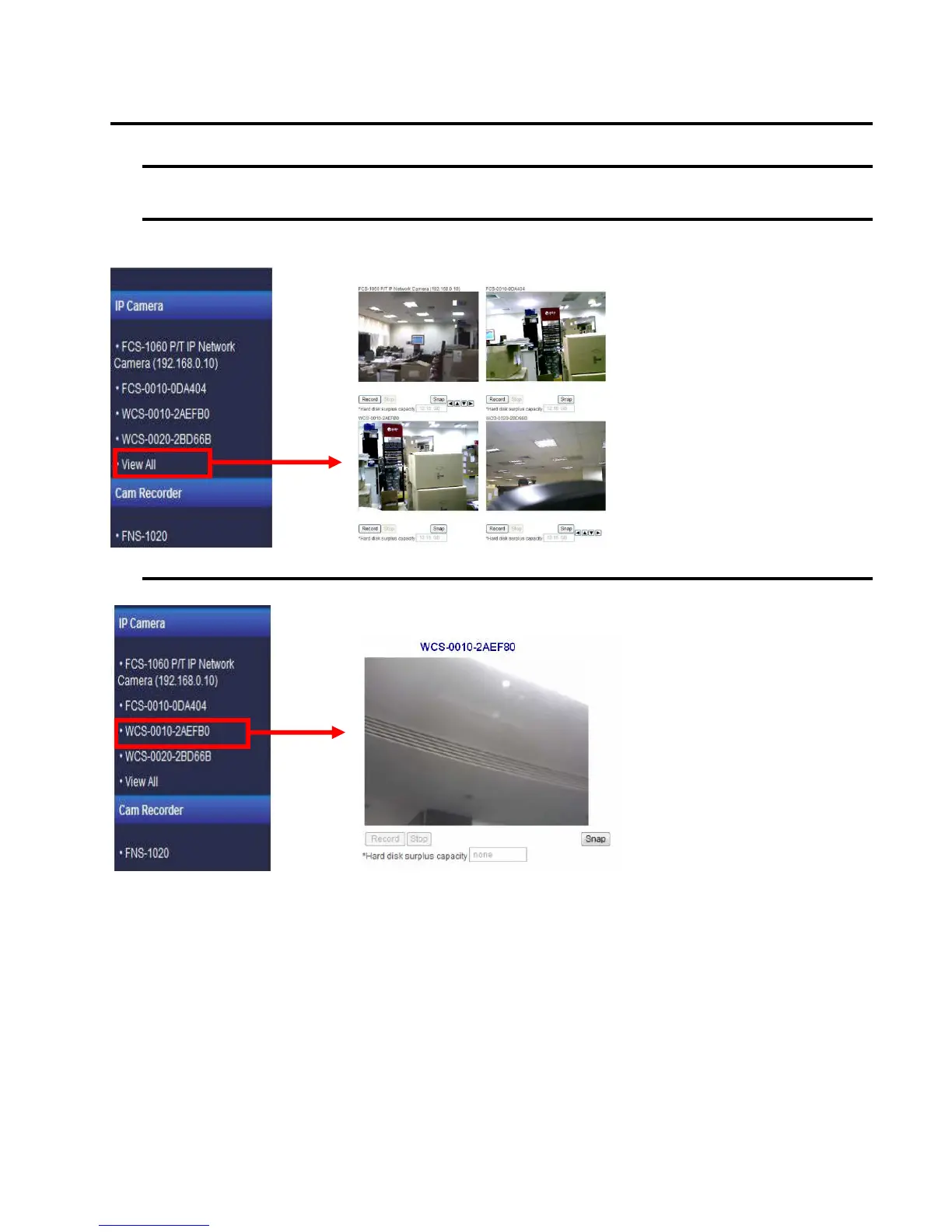
A. View All IP Cameras
Enter the “View All” page under “Status” tag, the IP cameras that you registered correctly would show their image here.
PS: the WBR-6022 can support view up to 4 cameras in a web ui.
B. View Single IP Camera
Enter the IP camera’s page under “Status” tag, the IP camera that you selected would show its image here.















 To Next Page