63
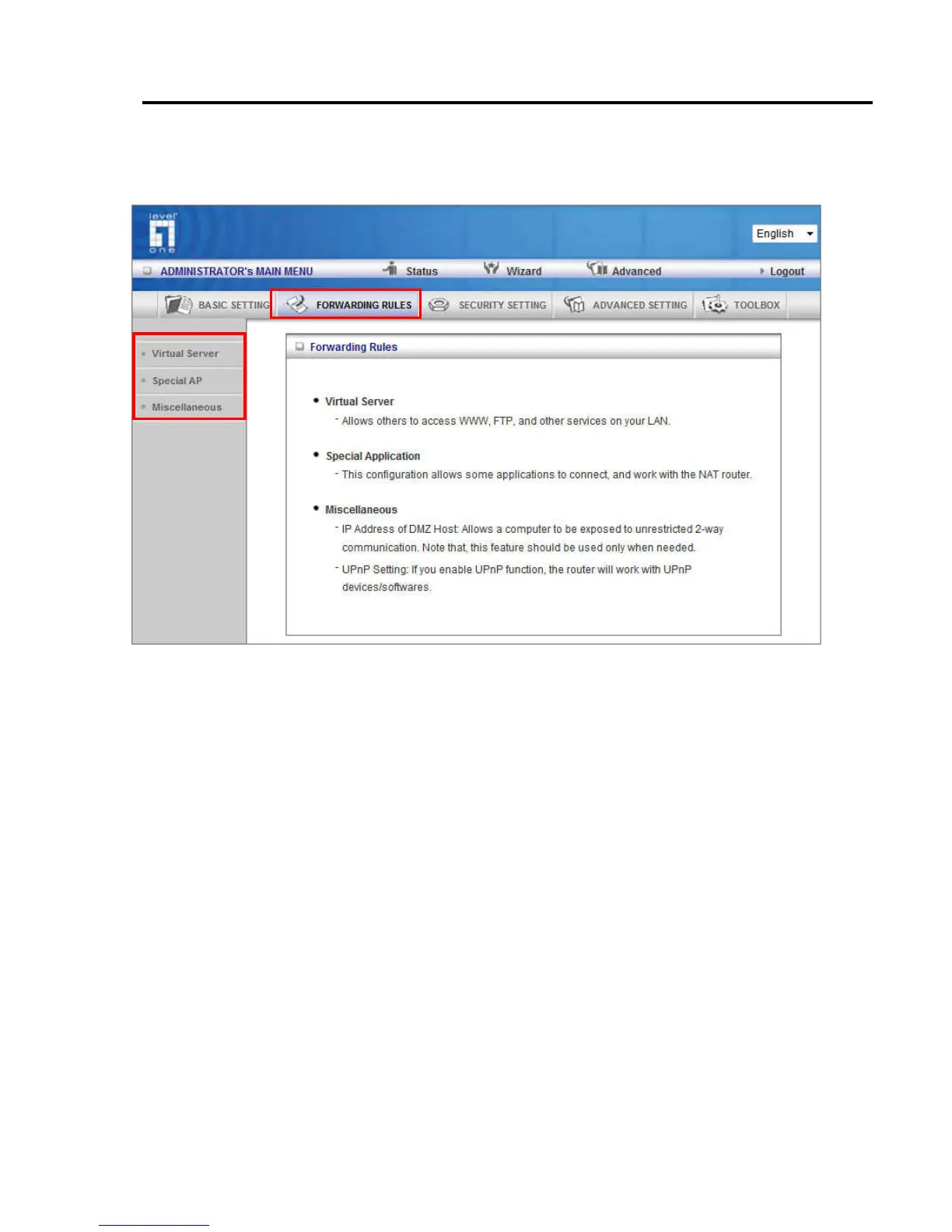
5.2.2 Forwarding Rules
This page allows you to configure the port forwarding management of the WBR-6022. Use the menu
on the left to access the setting pages.
The port forwarding feature is required because the Wireless Router’s NAT (Network Address
Translation) will block incoming traffic from the Internet to the LAN if the specific port mapping is not
set up in the NAT table.
This is to provide a level of protection to computers on your LAN, however as a result creates
connectivity problems when you want to make LAN resources available on the Internet. These
include FTP servers, network game servers or other server applications.
There are three ways to work around the NAT and enable LAN resources on the Internet. Port
Forwarding (Virtual Server), Port Triggering (Special AP page) and DMZ Host (Miscellaneous page).















 To Next Page