39
E. Record IP camera
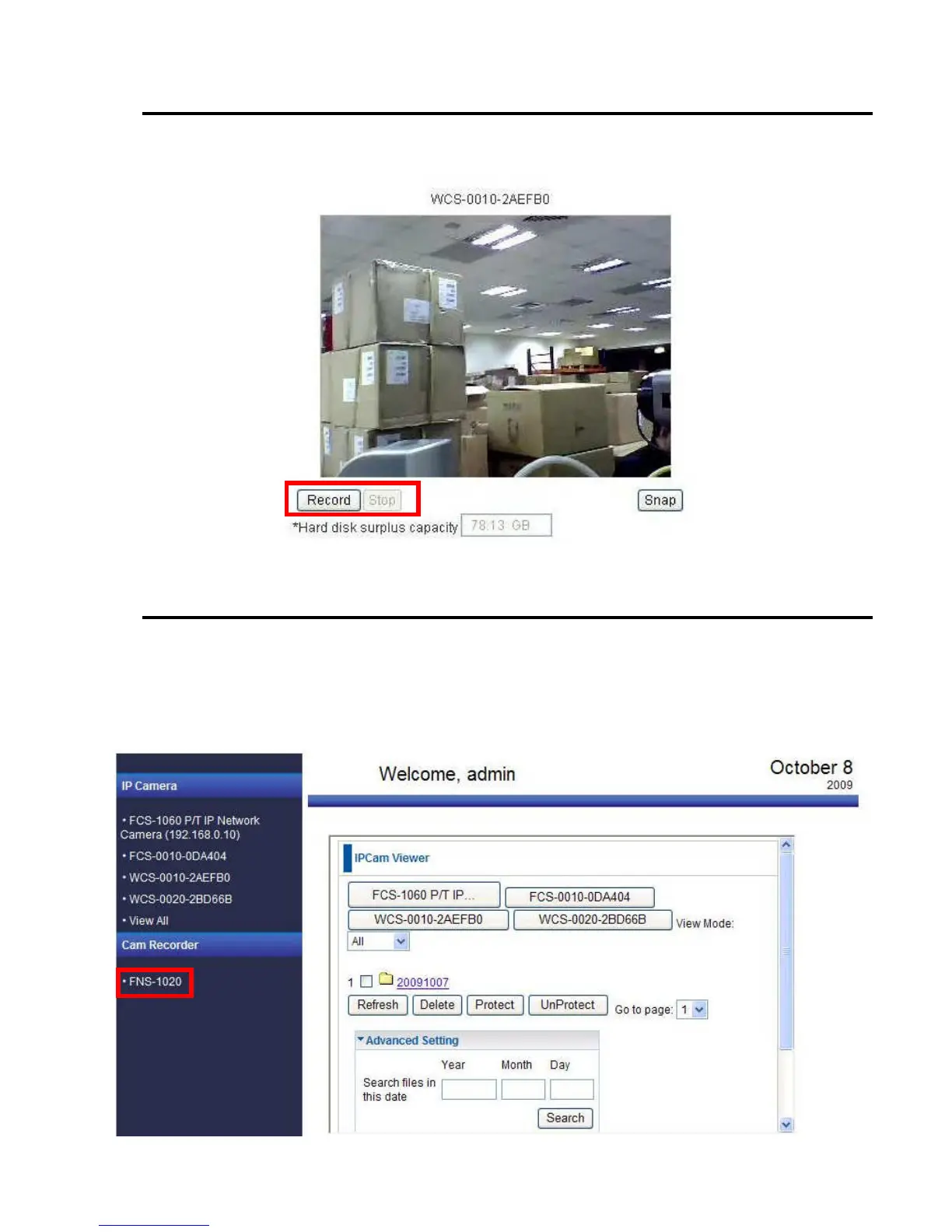
I. When you are viewing the IP cameras, you could press “Record” button to record video from IP
camera to network storage till you press the “Stop” button.
II. The maximum file size is 10 minutes recording time.
F. Check the record file
Check the Cam Recorder
After recording the video, you could check it from WEB UI.
Please enter the “Storage” page; the video data would list here, sorted by date, tagged with each IP camera.
Click on the record you want to check then you could download it from the network storage. You have to install the
media player that supports the file format to view it.















 To Next Page