40
Refresh
Click the “Refresh” button to refresh this page.
Delete
Click the “Delete” button would remove the remark record.
Protect
Click the “Protect” button could prevent the record from being deleted if the Cam Recorder disk space is not enough
while scheduling or always recording.
UnProtect
Click the “UnProtect” button will overwrite record if the storage space is not enough while scheduling or always
recording.
4.3.2 Scheduling Record
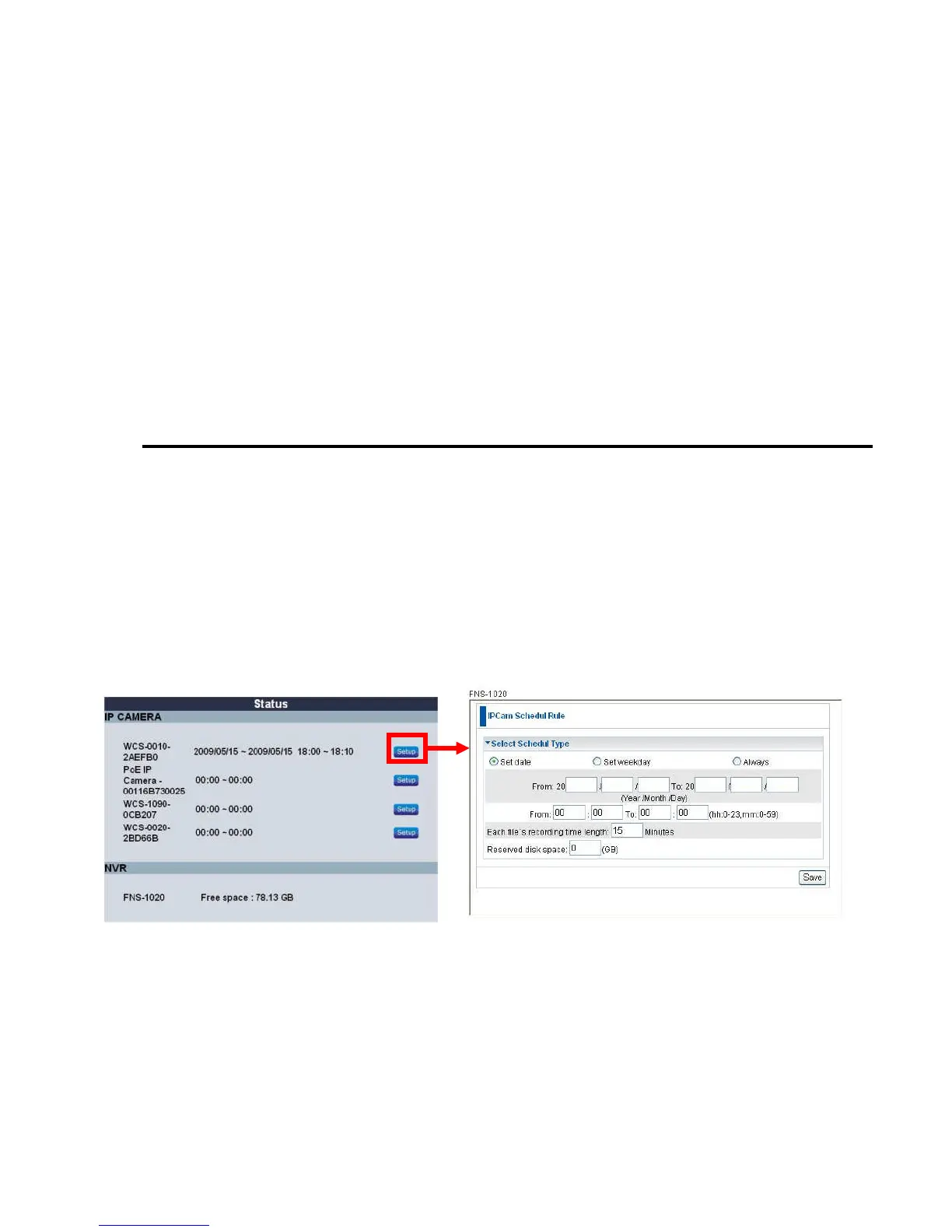
This device allowed you to set your scheduling rules for recording the IP camera video.
You could set the time period, the specified IP camera and which network storage to save.
For example:
Each time, we record 15 minutes on 8:30 to 17:30 every Monday, Tuesday, and Wednesday.
If you choose “Overwrite oldest file” option, when the storage space is less then reserved disk space you setup, the
HomeGuard system would remove the oldest record from the storage to store the new record. Otherwise, the NVR
would stop to record.
\















 To Next Page