31
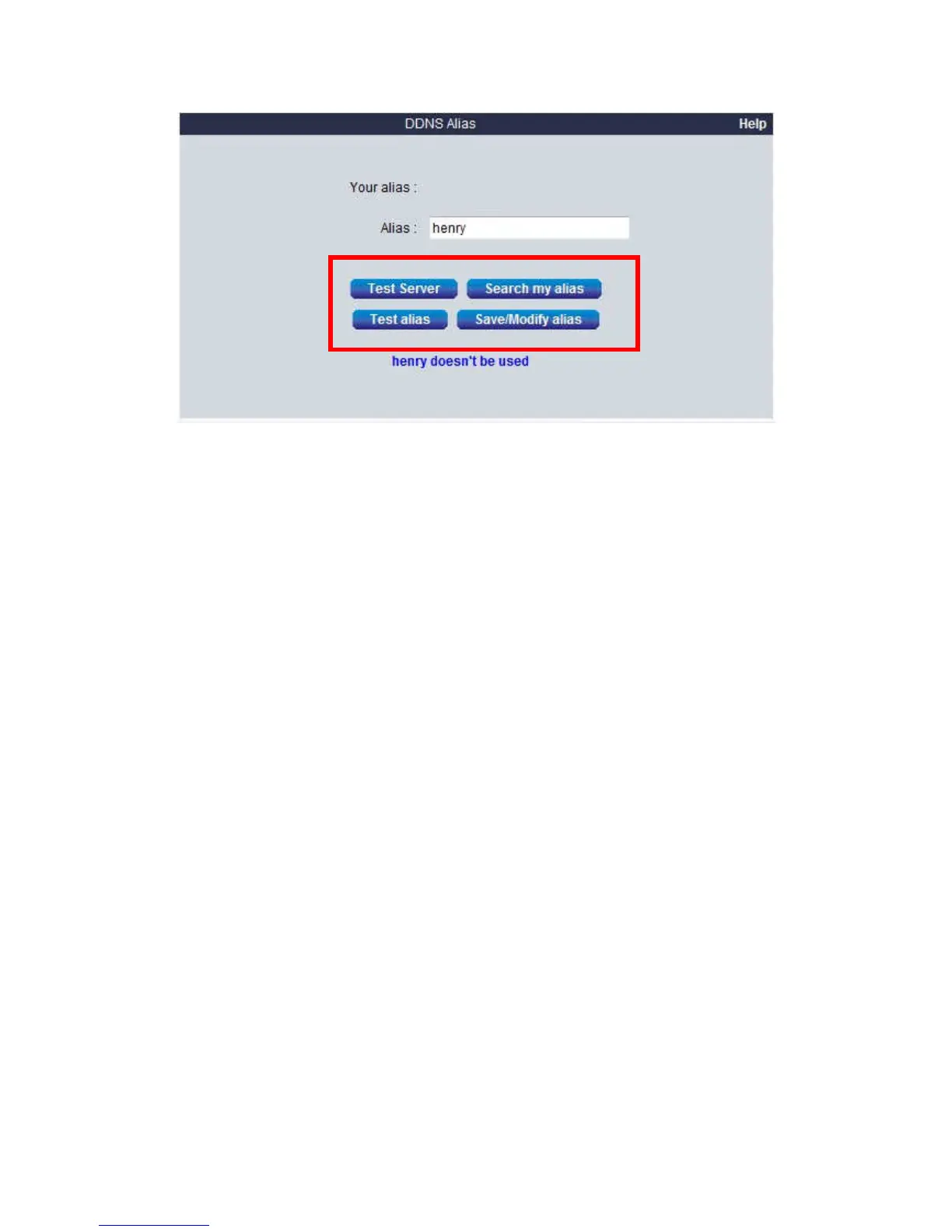
Please click the bottoms by orde
r
1. Click “Test server” to
Test the connection with the Level1DNS.net service available or not
2. Click “Search my alias” to
Search your alias name
3. Click “Test alias ” to
test the alias name available or not
4. Click “Save/modify” to
Save the setting
By default the domain name will be MAC address (Example: 00116B73092E) , after you changed your Alias your Domain name will
be “your name” .level1DNS.net (Example: henry.level1DNS.net) You can view video anywhere by IE browser after you type
http:// “your name” .level1DNS.net















 To Next Page