53
• Auto-Reconnect (Always-on): The device will link with ISP until the connection is established.
• Manually: The device will not make the link until someone clicks the connect-button in the
Status-page.
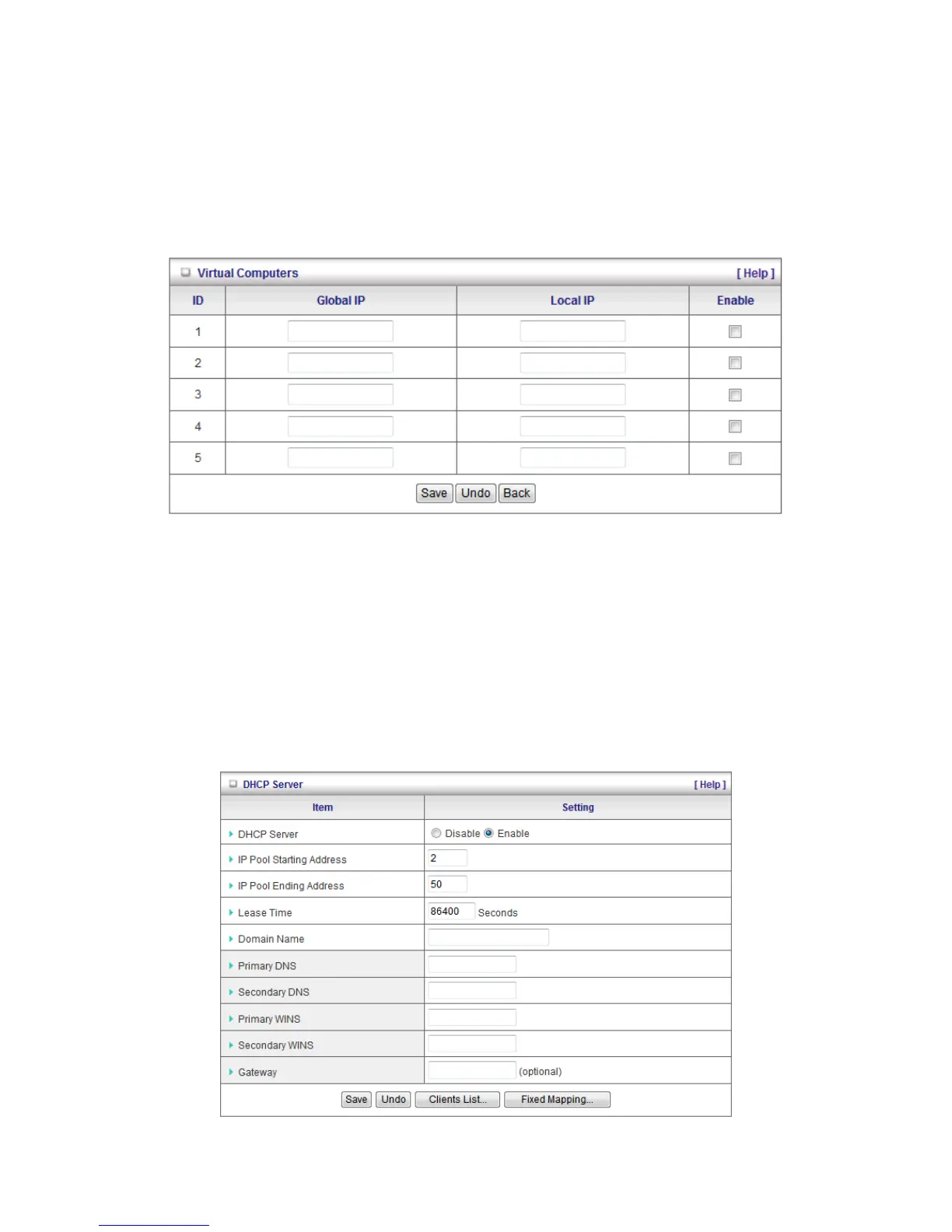
Virtual Computers (Only for Static and dynamic IP address WAN type)
Used when WAN is set as DHCP or Static IP, the user can assign a global IP address to a LAN IP
Address.
Virtual Computer enables you to use the original NAT feature, and allows you to setup the one-to-one
mapping of multiple global IP address and local IP address.
• Global IP: Enter the global IP address assigned by your ISP.
• Local IP: Enter the local IP address of your LAN PC corresponding to the global IP address.
• Enable: Check this item to enable the Virtual Computer feature.
DHCP Server
This page allows you to configure the DHCP server on the Router















 To Next Page