61
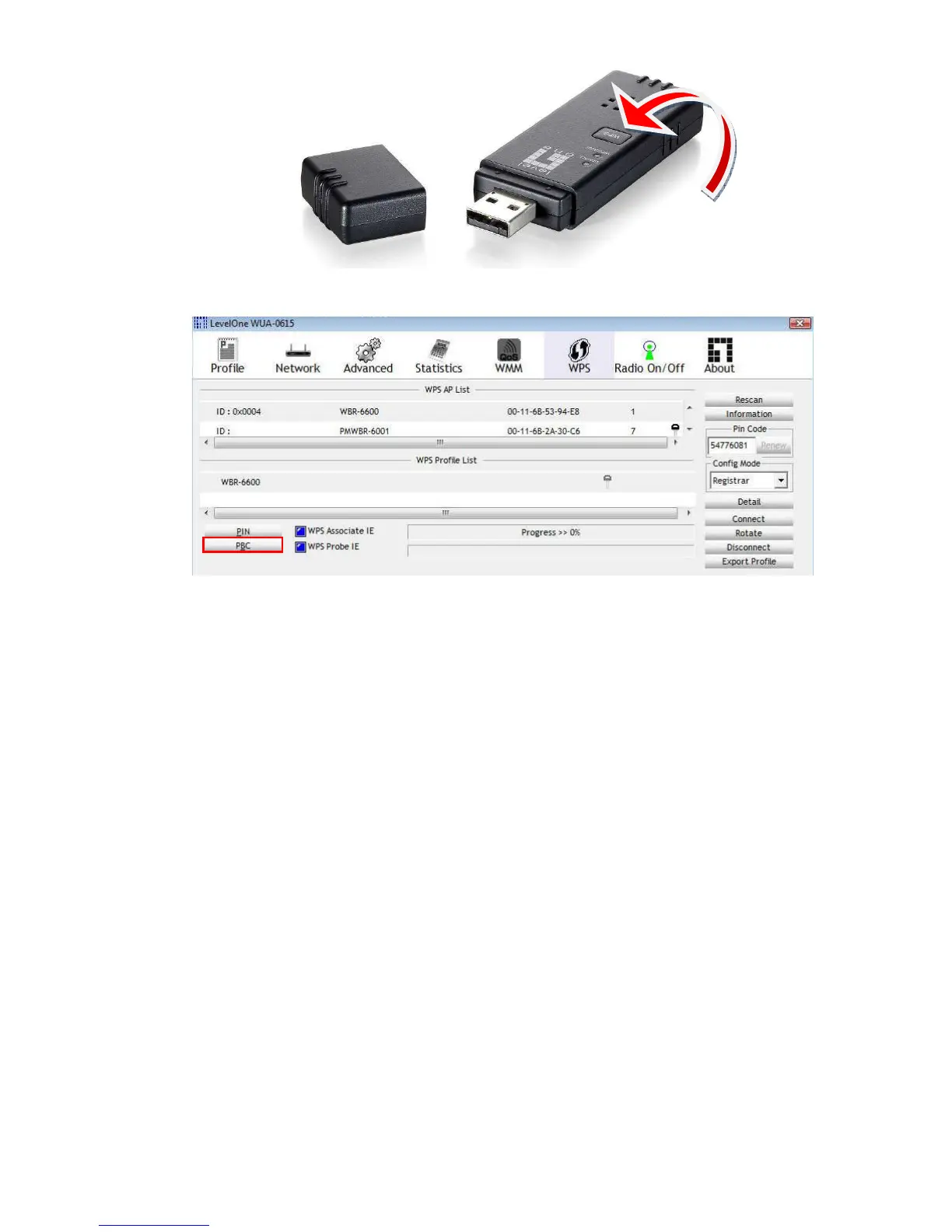
If your device has no physical WPS push button, then you can push the software button in the
utility.
WDS (Wireless Distribution System)
WDS operation as defined by the IEEE802.11 standard has been made available. Using WDS
it is possible to wirelessly connect Access Points, and in doing so extend a wired infrastructure
to locations where cabling is not possible or inefficient to implement.
For maximum compatibility, it is recommended that WDS be set up using only the same
models, in this case, WBR-6022. Also note that the standard only supports WEP encryption.
Click Enable to activate the WDS function.
Then type in the MAC addresses of other Access Points in the Remote AP MAC fields. Or you
can copy the ones from Scanned AP’s MAC list.
Click Save to save the settings and Undo to cancel.
Note: WDS supports WEP Wireless Encryption mode.















 To Next Page