66
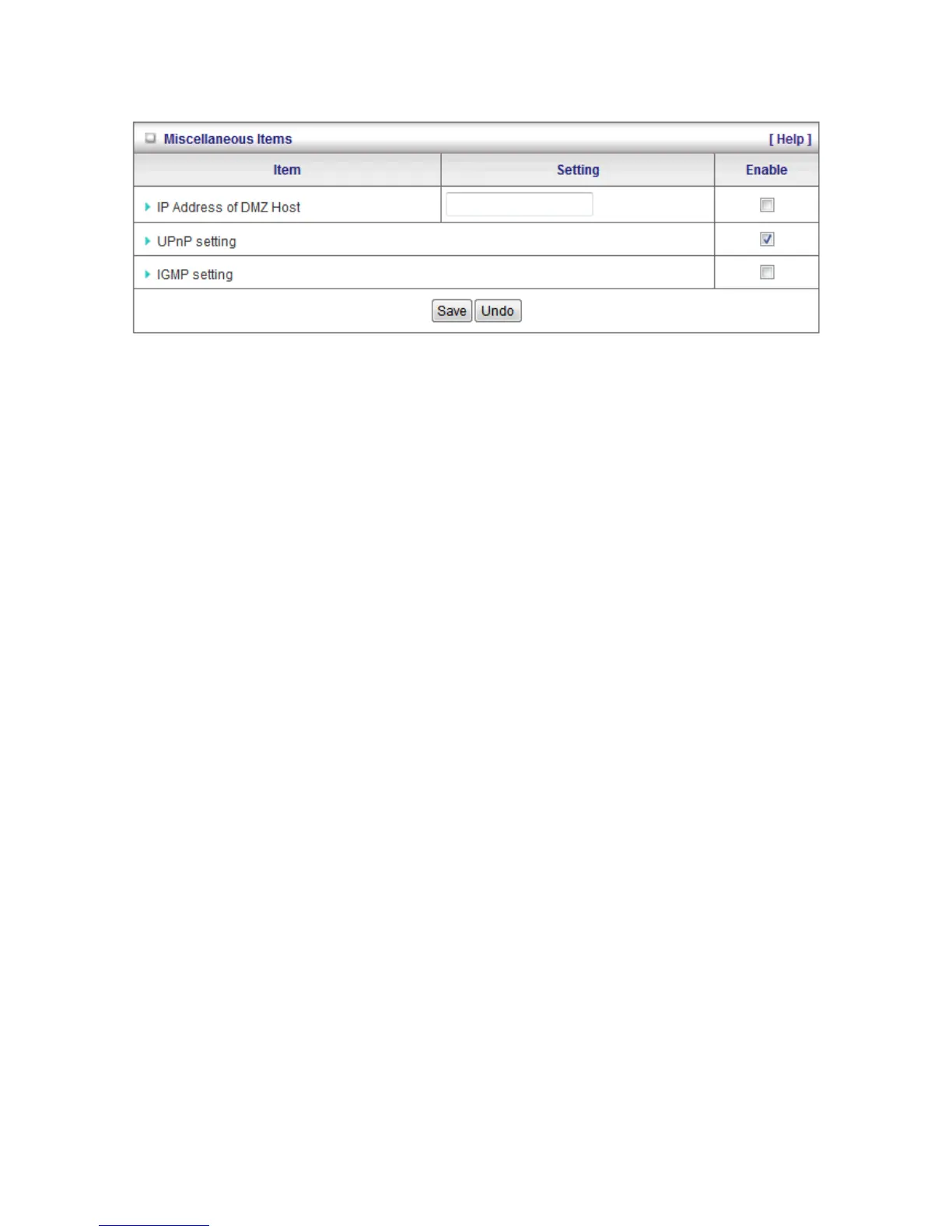
Miscellaneous Items
IP Address of DMZ Host
Here you can set the DMZ (Demilitarized Zone) Host. It is a computer that does not have the
WBR-6022’s built-in firewall applied. It allows the computer to be exposed to unrestricted
communication to the Internet.
This setting is most commonly used for Internet gaming, Video conferencing, Internet telephony and
other special applications.
To enable DMZ, enter the IP address of the PC and tick on Enable.
UPnP Setting
The WBR-6022 supports Universal Plug and Play. However this depends on your operating system.
IGMP setting
IGMP is a protocol used for multicasting applications where the content data is transmitted from one
source to a number of recipients. This function must be enabled if any applications in your LAN are in
a multicast group.















 To Next Page