69
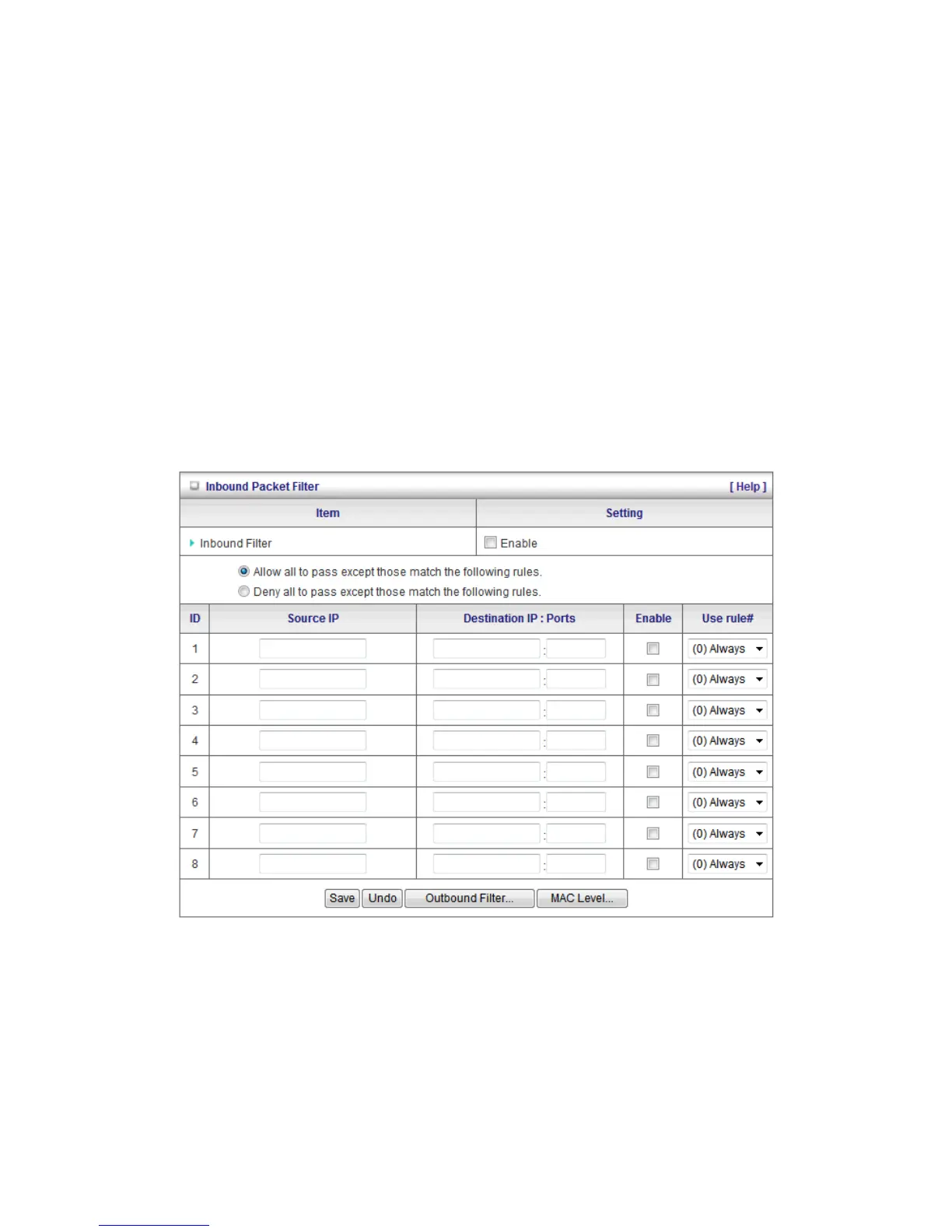
For source or destination IP address, you can define a single IP address (192.168.0.1). An empty
implies all IP addresses.
For source or destination port, you can define a single port (80) or a range of ports (1000-1999). You
also need to add prefix "T" or "U" to specify TCP or UDP protocol, for example T80, U53, U20002999.
No prefix indicates both TCP and UDP are defined. An empty implies all port addresses.
Packet Filter can also work with Scheduling Rules and give users more flexibility on Access control.
For more detail, please refer to Scheduling Rule (Advanced Setting > Scheduling).
Each rule can be enabled or disabled individually.
Inbound Filter:
To access the Inbound Packet Filter page, click on Inbound Filter on the bottom of the page. All
settings on this page are similar to Outbound Filters.















 To Next Page