76
System Log
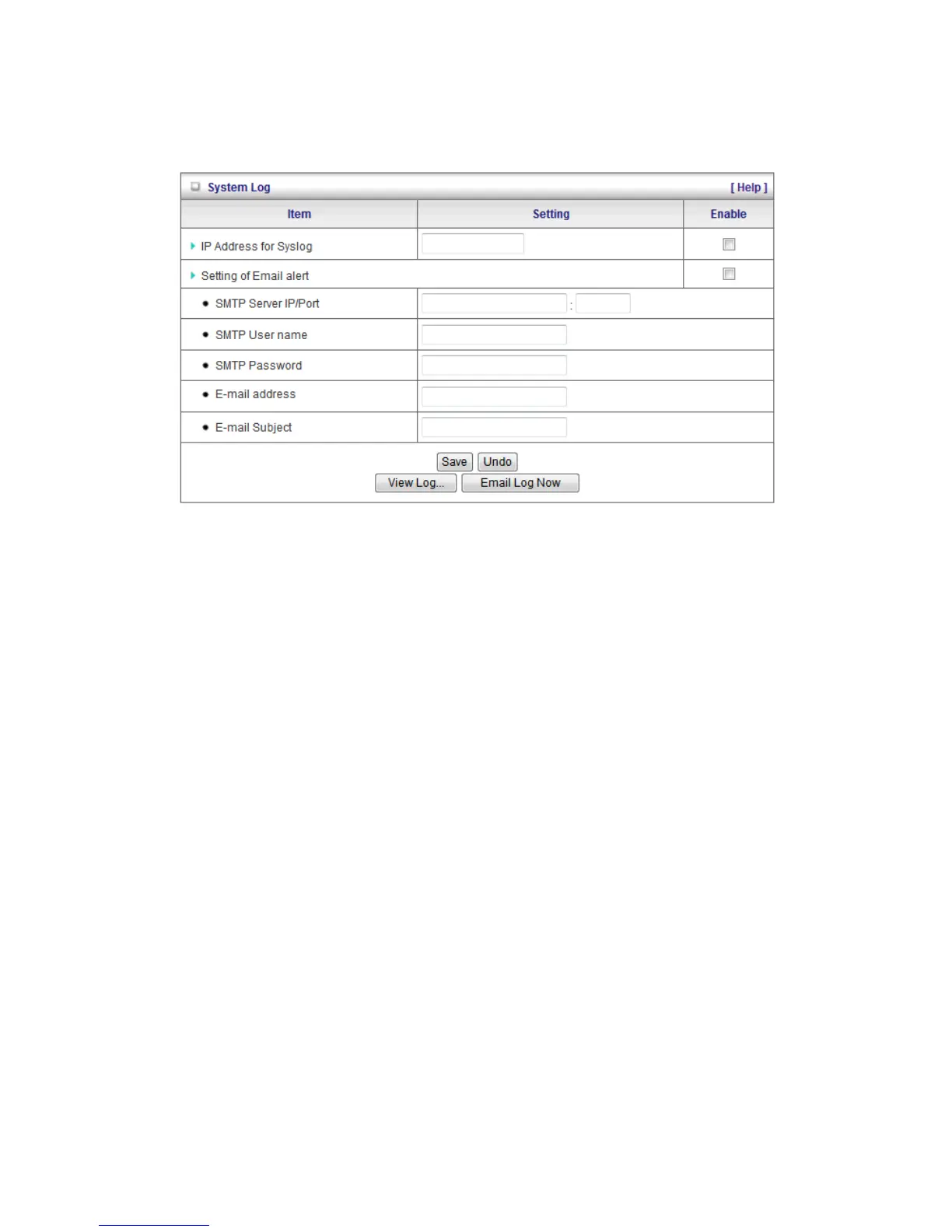
The WBR-6022 supports both Syslog (using UDP packets) and E-Mail alert.
For Syslog, you will need to enter the IP address of the host computer that will be receiving the
syslog messages and tick on Enable.
For E-Mail alert, you will need to define the following:
• E-Mail Alert: Tick Enable to enable this feature.
• SMTP Server IP and Port: Enter the IP address and port of the SMTP server, separated by “:”
(no quotes). If you do not specify the port number, the default value of 25 will be used.
• SMTP User Name / Password: Username and Password if your SMTP server requires log in.
• E-mail address: Enter the e-mail addresses of the recipients for the email logs. To assign
more than one recipient, use “;” or “,” (no quotes) to separate the e-mail addresses.
• E-Mail Subject: Enter the subject for the e-mail (optional)















 To Next Page