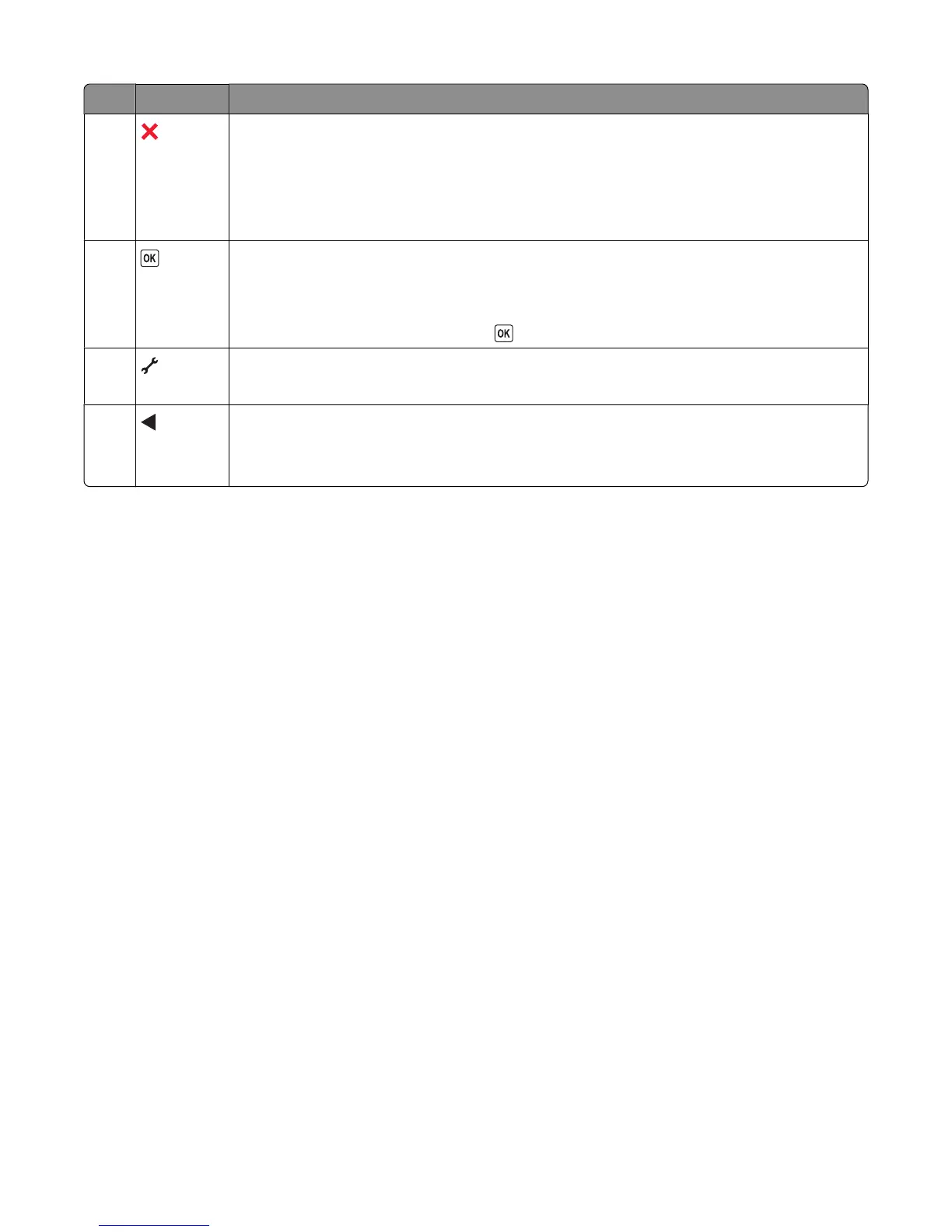
Press To
9
• Cancel a print, copy, or scan job in progress.
• Exit from a menu level of the Copy, Scan, Photo, and File Print menus to the top level of a
menu.
• Exit from a menu level of the Setup menu to the top level of the previous mode.
• Clear current settings or error messages, and return to default settings.
10
• Select a menu item that appears on the display.
• Save settings.
• Move one level deeper in a submenu.
• Feed or eject paper. Press and hold for 3 seconds to feed or eject paper from the printer.
11
Access the setup menu and change printer settings.
Note: Other button lights are off when this button is selected.
12
• Decrease a number.
• Move the cursor one place to the left.
• Scroll through menus or settings on the display.
Using the printer menus
A number of menus are available to make it easy for you to change printer settings:
23






 To Next Page