Width:
– 76.2–215.9 mm
– 3.0–8.5 inches
Length:
– 127.0–355.6 mm
– 5.0–17.0 inches
• The paper is loaded in the center of the paper support.
• The paper guides rest against the edges of the paper.
Banner paper
You can load up to 20 sheets.
P
R
IN
T
IN
G
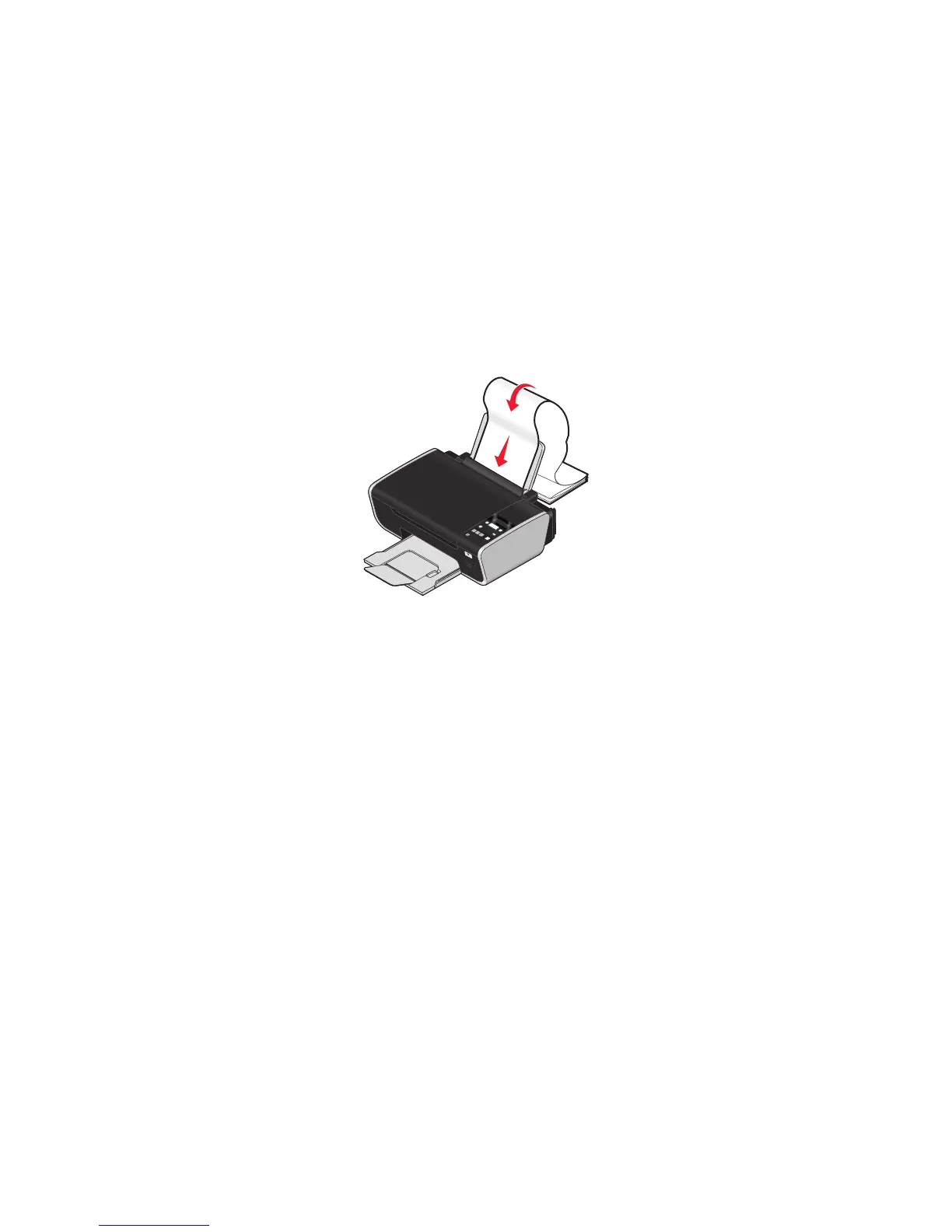
Make sure:
• You remove all the paper from the paper support before loading the banner paper.
• You tear off only the number of pages needed to print the banner.
• You place the required stack of banner paper on a flat surface behind the printer.
• The leading edge of the banner paper feeds into the printer first.
• The paper is loaded in the center of the paper support.
• The paper guides rest against the edges of the paper.
58






 To Next Page