Loading original documents on the scanner glass
You can scan and then print photos, text documents, magazine articles, newspapers, and other publications. You
can scan a document for faxing.
Note: The maximum scan area for the scanner glass is 216 x 297 mm (8.5 x 11.7 in.).
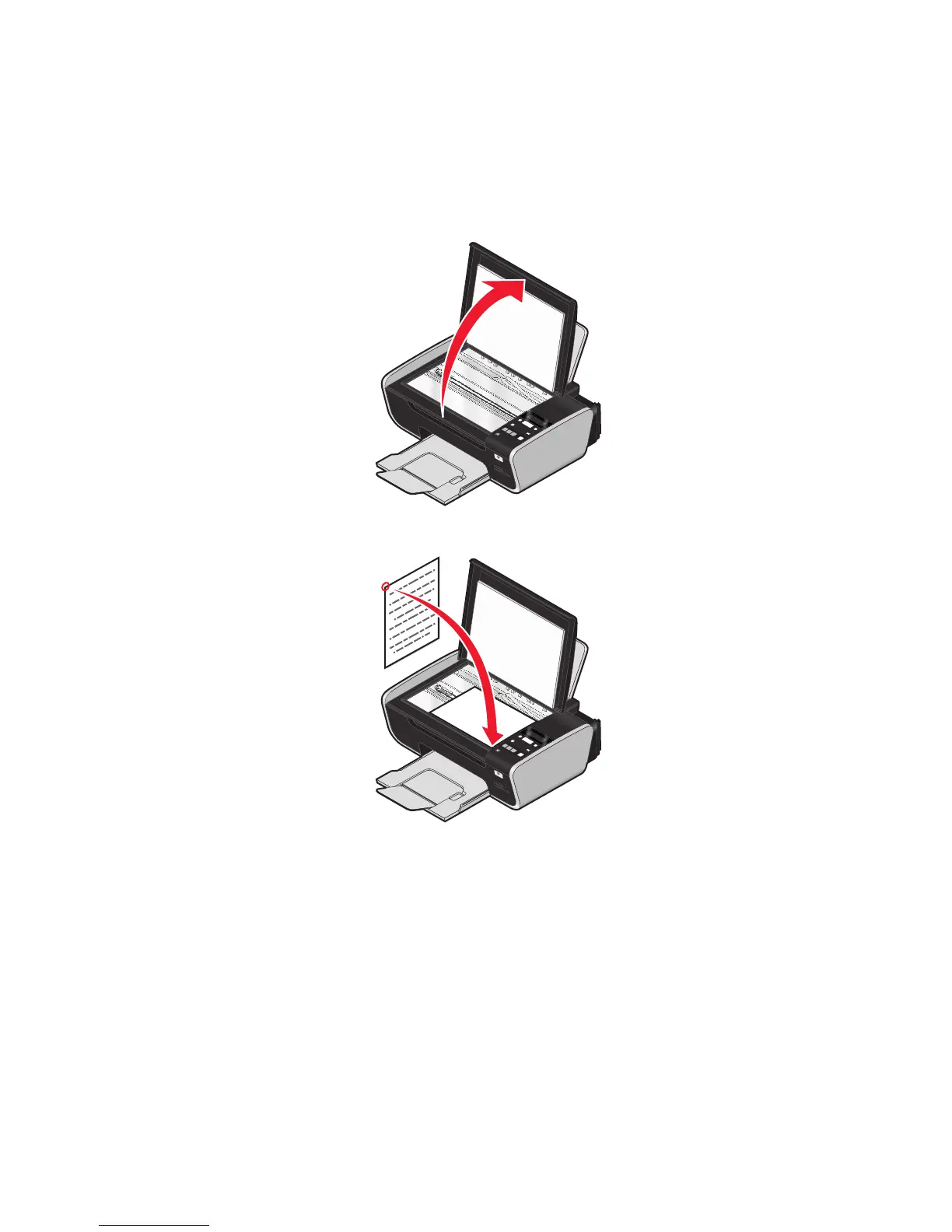
1 Open the top cover.
P
R
IN
T
I
N
G
2 Place the original document or item facedown on the scanner glass in the lower right corner.
P
R
I
N
T
I
N
G
Note: Photos should be loaded as shown.
59






 To Next Page