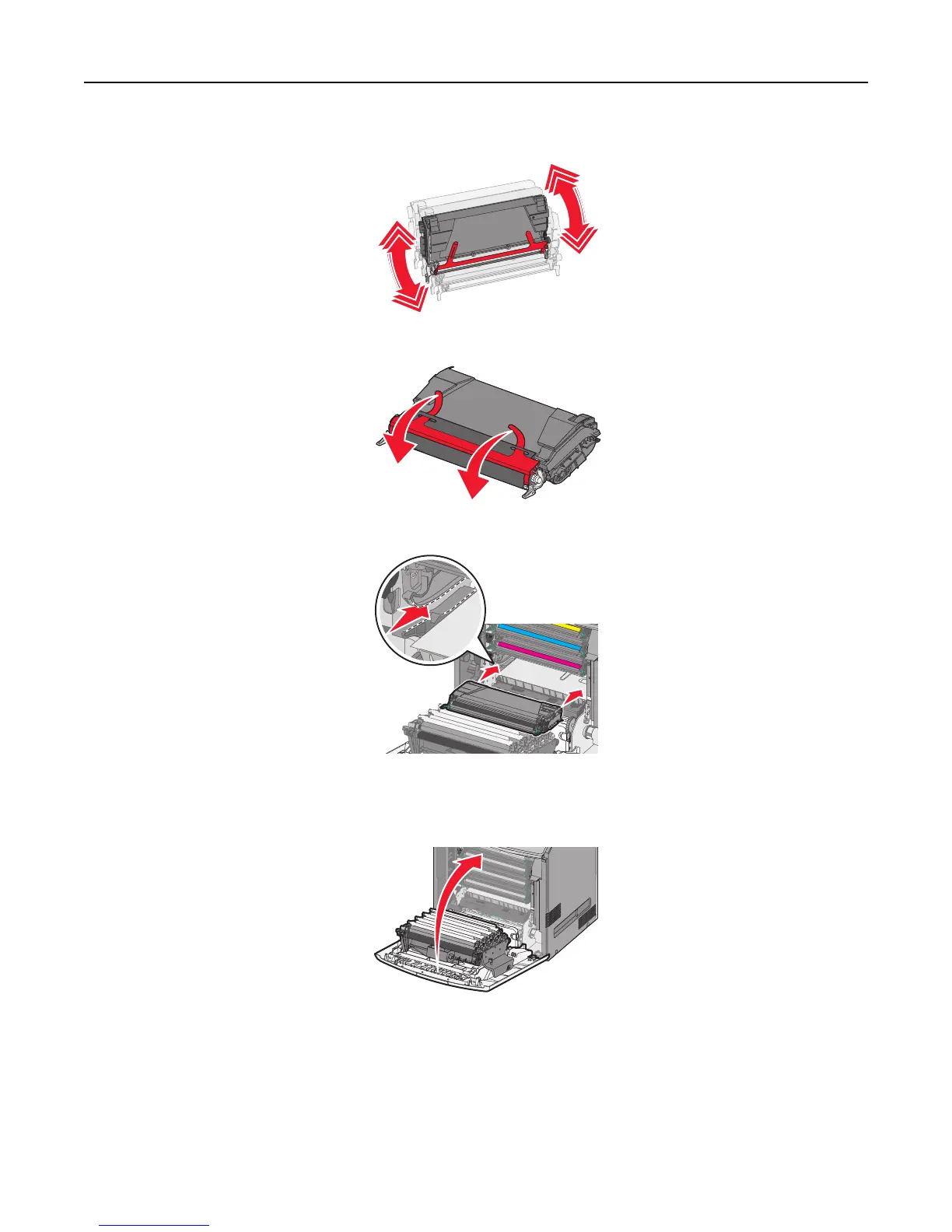
3 Unpack the replacement toner cartridge, and then shake it front‑to‑back and side‑to‑side to redistribute the toner.
4 Remove the red packing strip from the new cartridge.
5 Insert the new cartridge into the printer.
Note: Make sure the cartridge is fully pushed in.
6 Close the front door.
Note: When print becomes faded, immediately order a new cartridge. A message on the printer display specifies
what color cartridge is low in toner. You can try to extend the life of the cartridges by pulling them out of the
printer and shaking them to redistribute the toner.
Maintaining the printer 192





 To Next Page