Using the Local Printer Settings Utility
The Local Printer Settings Utility lets you change and save printer settings for a printer connected locally through a
USB or parallel cable. Save settings from the toolbar by clicking Actions Apply Settings. You can also save your
settings in a command file to distribute to designated printers by clicking Actions Save As Command File.
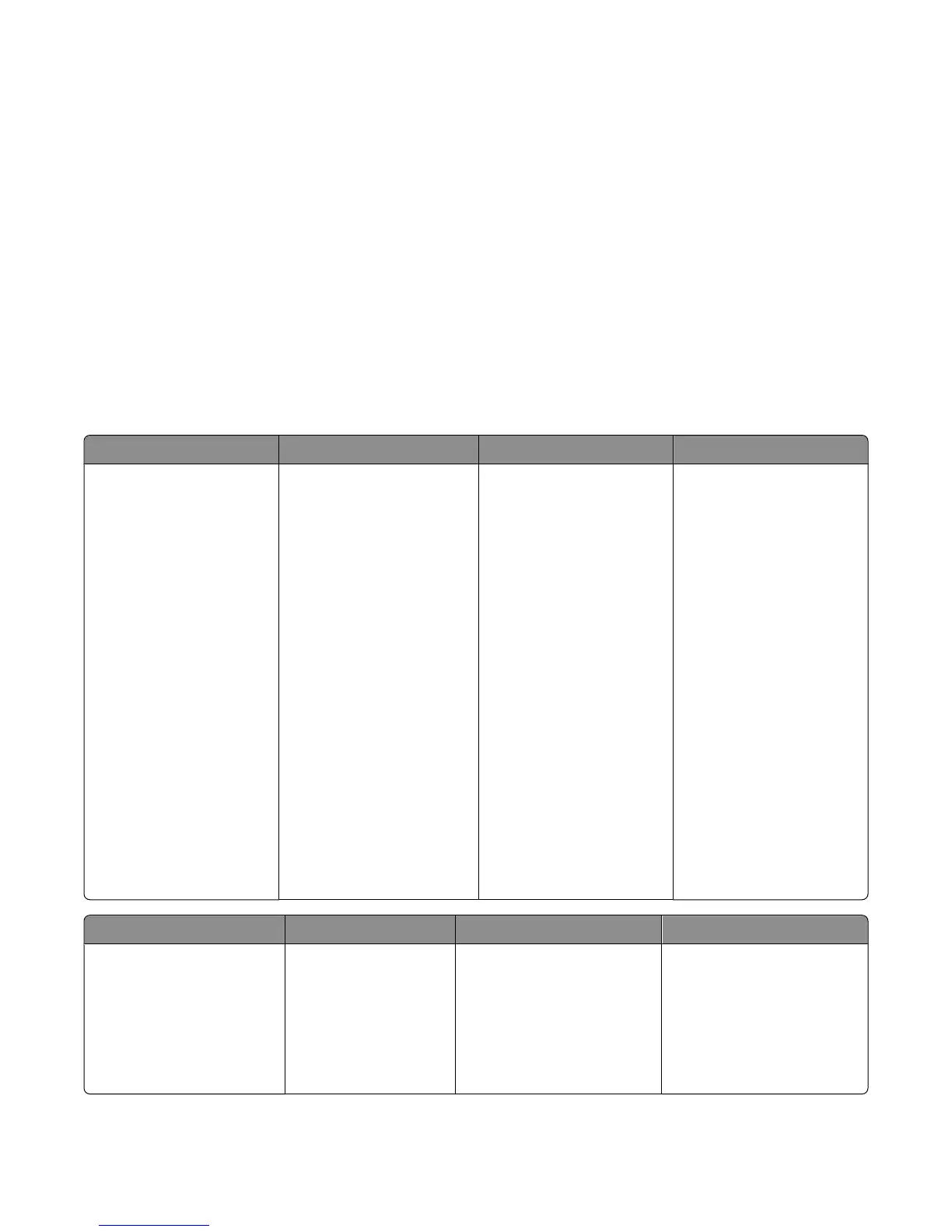
The Local Printer Settings Utility contains the following menus and values:
• Paper
• Finishing
• Quality
• Setup
• PCL Emulation
• PostScript
• Parallel
• USB
Paper Finishing Quality Setup
• Paper Source
• Paper Size
• Paper Type
• Custom Types
• Substitute Size
• Paper Texture
• Paper Weight
• Duplex Binding
• Copies
• Blank Pages
• Collation
• Separator Sheets
• Separator Source
• Multipage (pages/side)
• Multipage Ordering
• Orientation
• Multipage Border
• Print Resolution
• Small Font Enhancer
• Toner Darkness
• Picture Grade
• Printer Language
• Jam Recovery
• Display Language
• Print Area
• Alarm Control
• Toner Alarm
• Download Target
• Power Saver
• Print Timeout
• Auto Continue
• Wait Timeout
• Resolution Reduction
• Resource Save
• Reset Control
• Print Buffer Control
• Page Protect
• Eco Mode
• Quiet Mode
PCL Emulation PostScript Parallel USB
• A4 Width
• Orientation
• Auto CR After LF
• Auto LF after CR
• Lines Per Page
• Print PS Error
• Font Priority
• PCL SmartSwitch
• PS SmartSwitch
• Advanced Status
• Honor Init
• Protocol
• Parallel Buffer
• PCL SmartSwitch
• PS SmartSwitch
• USB Buffer
Understanding printer menus
66



 To Next Page