7
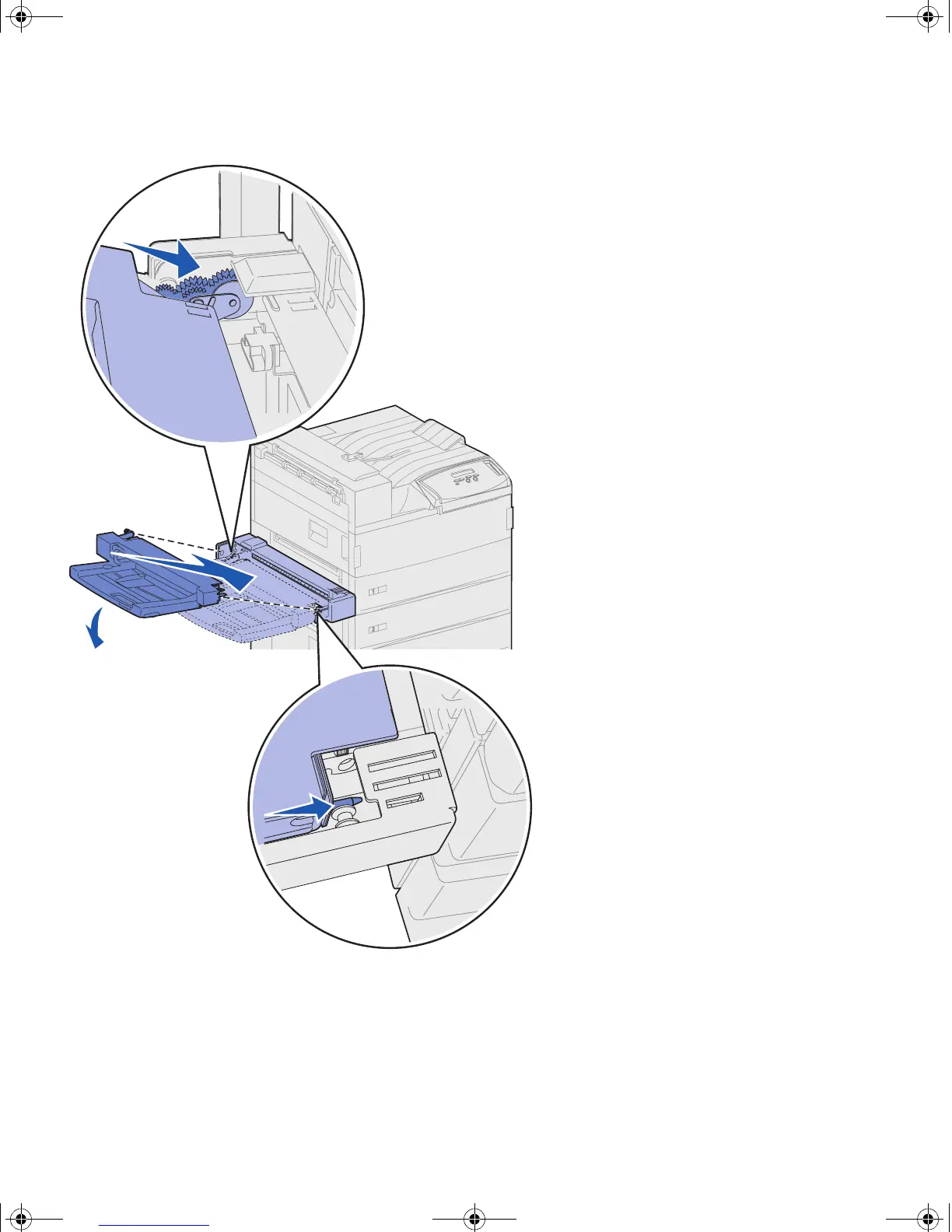
Install the multipurpose feeder
2 Tilt the feeder end going into the
printer first down slightly, as you
align the posts on the feeder with
the holes above the opening in the
printer.
Make sure the top of the feeder
fits over the top of the edge
coming out of the printer. (See the
illustration on page 8.)
jp_setup.book Page 7 Friday, February 16, 2001 7:42 AM










 To Next Page