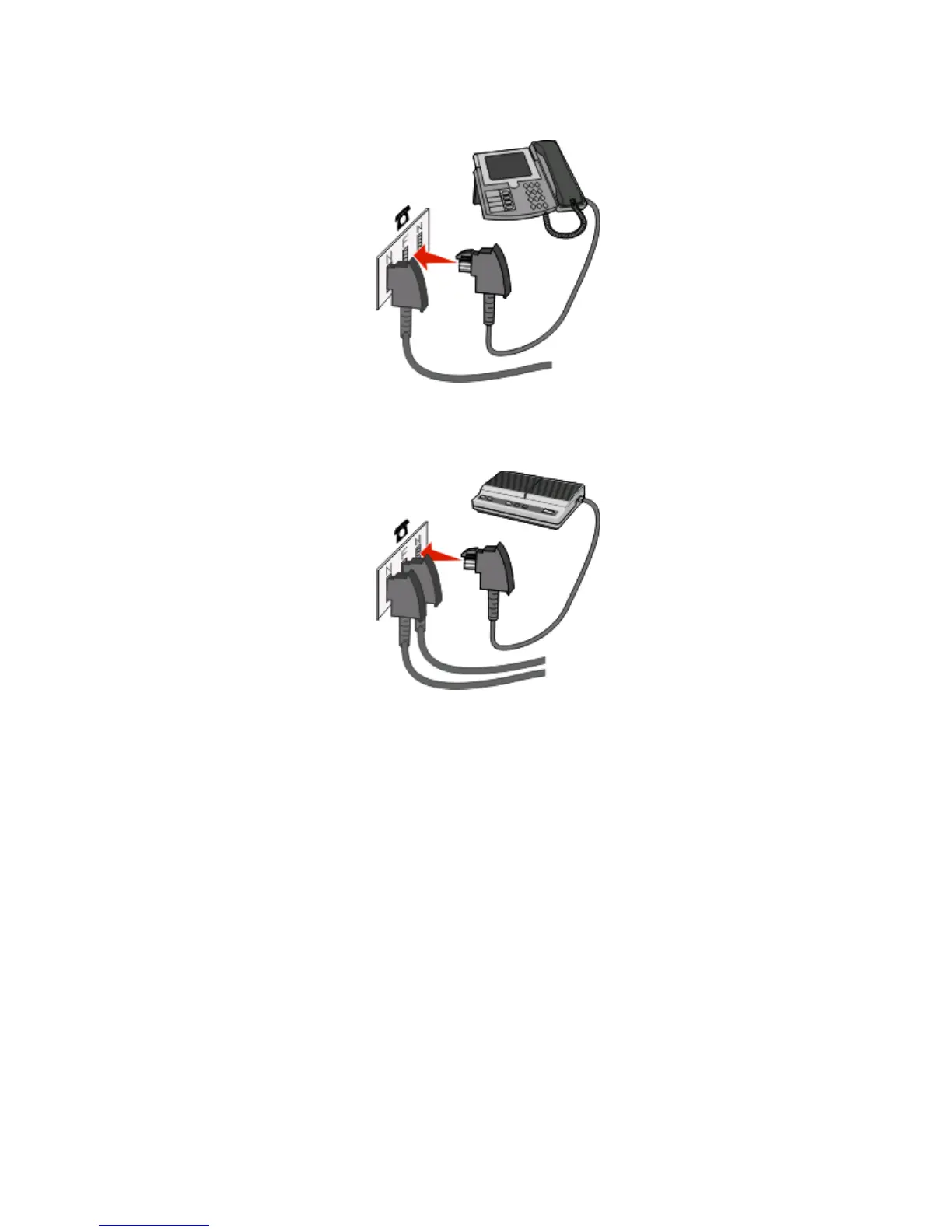
3 If you would like to use the same line for both fax and telephone communication, then connect a second telephone
line (not provided) between the telephone and the F slot of an active analog telephone wall jack.
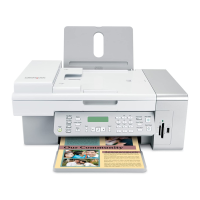
4 If you would like to use the same line for recording messages on your answering machine, then connect a second
telephone line (not provided) between the answering machine and the other N slot of the active analog telephone
wall jack.
Connecting to a computer with a modem
Connect the printer to a computer with a modem to send faxes from the software program.
Note: Setup steps may vary depending on your country or region.
1 Make sure you have the following:
• A telephone
• A computer with a modem
• Three telephone cords
• A telephone wall jack
Faxing
85


 To Next Page