1. Messages
Allows you to send text messages, Instant
Messages, and Emails.
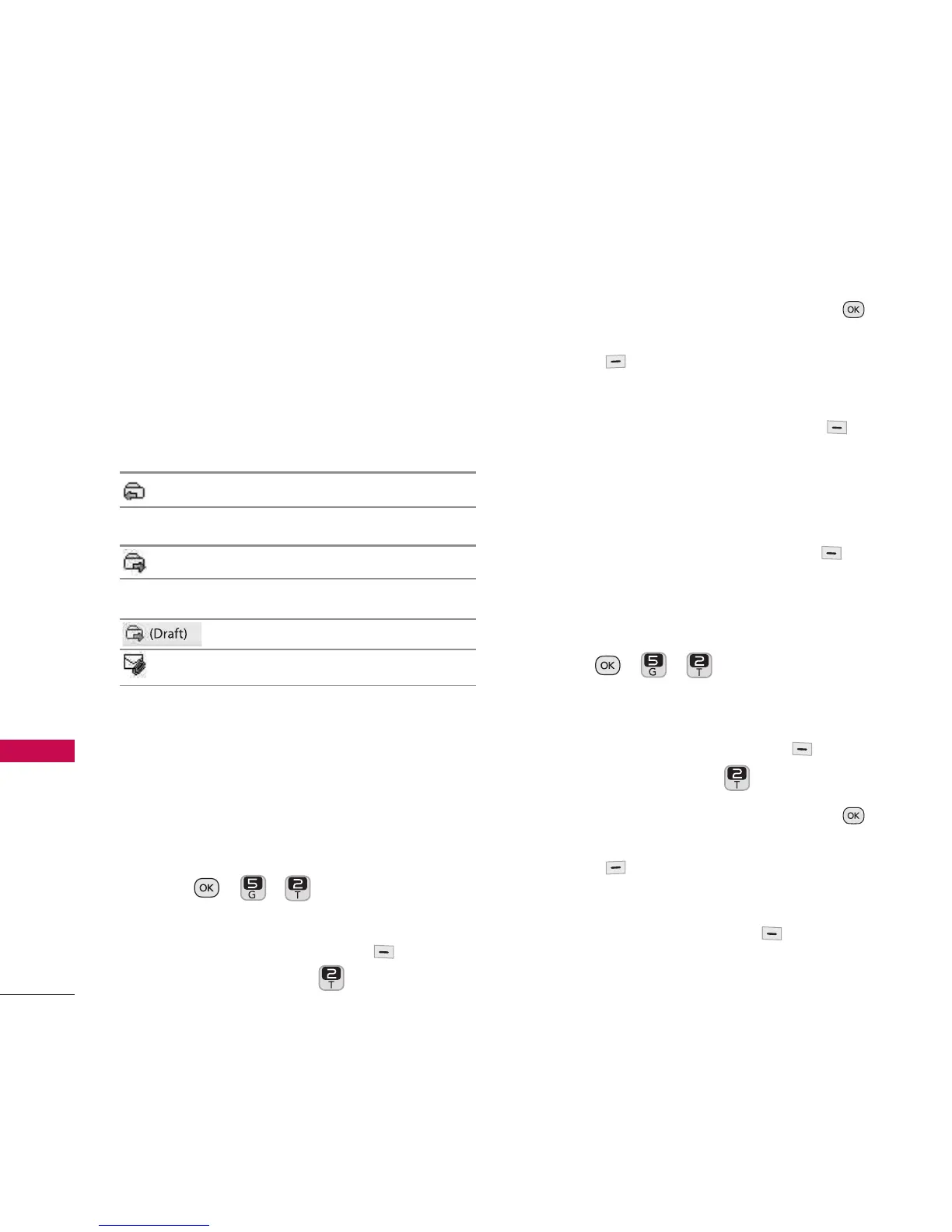
Message Icon Reference
Inbox
Unread Text/Notificatíon/Picture message
Sent
Message sent
Drafts
Draft Text Message
Draft Picture Message
2. Send Message
Allows you to send text messages and
emails. Each text and picture message can
be sent to up to 25 recipients.
Sending a Text Message
1. Press , , .
Or
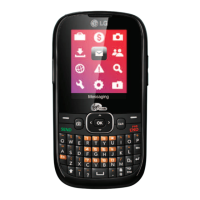
Press the Left Option Button
Messaging
and press .
2. Highlight a Contact and then press
to select it or press the Right Option
Button
New Addr
and enter the
phone number or email address.
3. Press the the Left Option Button
Continue
(if necessary) to access the
message screen.
4. Type your message.
5. Press the the Left Option Button
Send
.
Sending a Picture Message
1. Press , , .
Or
Press the Left Option Button
Messaging
and press .
2. Highlight a Contact and then press
to select it or press the Right Option
Button
New Addr
and enter the
phone number or email address.
3. Press Left Option Button
Continue
(if necessary) to access the message
screen.
Messaging
38
Messaging


 To Next Page